What is Reveal?
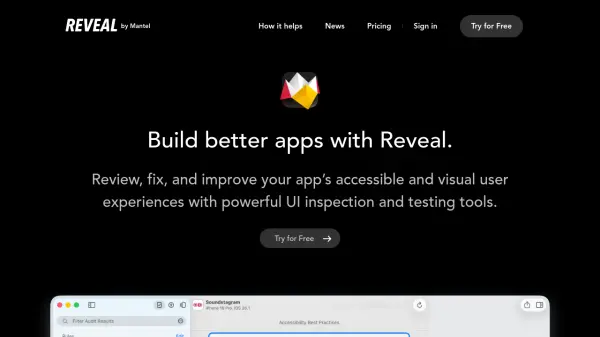
Reveal provides mobile developers with a comprehensive suite of testing tools designed to enhance app accessibility and visual user experiences. The platform offers advanced visualizations for inspecting apps at runtime, enabling developers to debug layout problems and modify views on the fly.
With specialized workspaces for accessibility and layout analysis, Reveal helps diagnose issues and experience apps in various accessibility modes. The tool streamlines the process of ensuring accessibility compliance and improving app quality through real-time inspection capabilities.
Features
- Accessibility Workspace: Tools for testing and improving app accessibility compliance
- Layout Workspace: Debugging tools for identifying and fixing Auto Layout and view problems
- Runtime Inspection: Advanced visualizations to inspect apps during execution
- Snapshot Sharing: Capability to share app state snapshots for collaboration
- Team Management: Easy management of multiple licenses and team members
Use Cases
- Debugging Auto Layout constraints in mobile applications
- Testing mobile app accessibility for compliance standards
- Inspecting UI components at runtime to identify visual issues
- Sharing app state snapshots with team members for review
- Improving user experience through accessibility enhancements
FAQs
-
What is included in the Reveal subscription?
The subscription includes Insights Workspace, Accessibility Workspace, Layout Workspace, snapshot sharing, easy team management, consolidated billing, license self-service, 12 months of updates, and use on up to 2 Macs. -
How do I try Reveal before purchasing?
You can download Reveal for a 14-day free trial with no restrictions to test all features before committing to a subscription. -
Can I use Reveal on multiple devices?
Each license allows use on up to 2 Macs, making it suitable for developers working across multiple machines.