What is ResumeStamp?
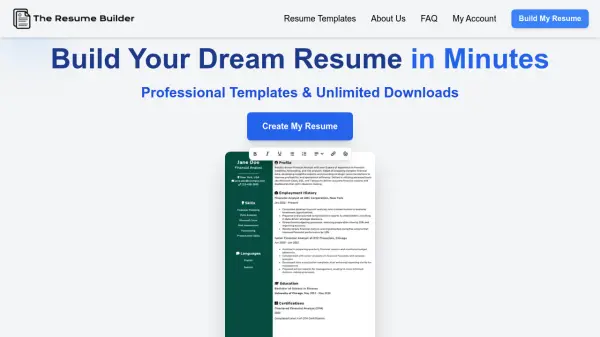
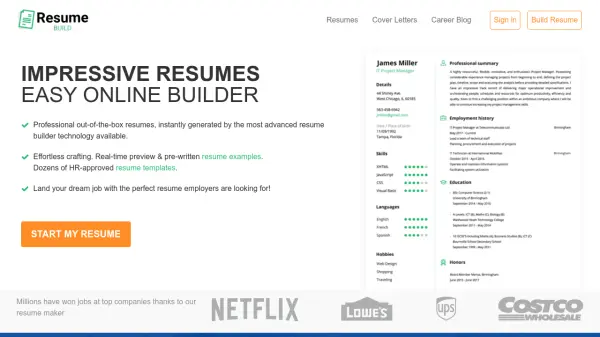
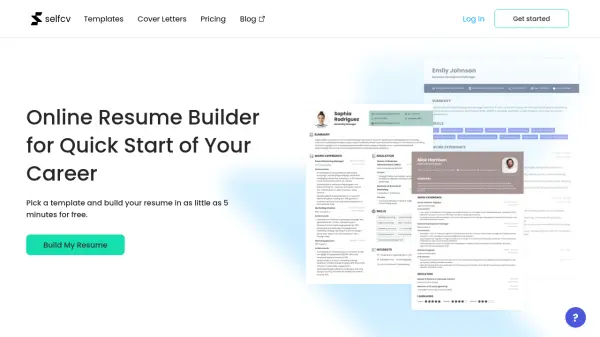
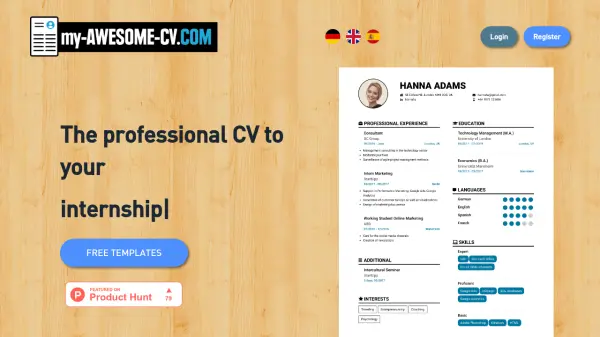
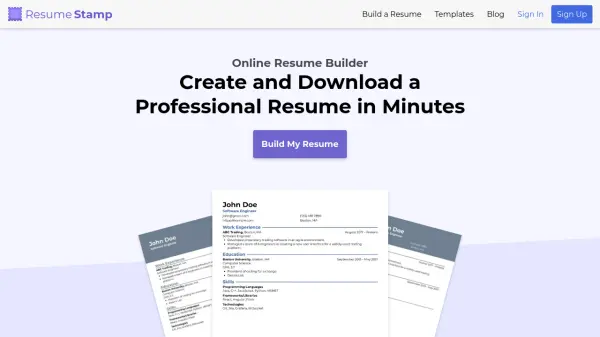
ResumeStamp provides a seamless platform for creating polished, ATS-friendly resumes tailored to your needs. Users can select from a variety of professionally designed templates, customize content and appearance, and instantly download resumes in PDF format. The service includes live editing with real-time preview, customizable layouts, and an integrated spell checker to ensure flawless presentation. No sign-up or payment is necessary, and resumes are delivered without watermarks for a clean, professional finish.
Designed for convenience and flexibility, ResumeStamp empowers users to save progress and return to editing at any time, even from different devices. Its intuitive interface minimizes barriers to resume creation, making it accessible for all job seekers aiming to craft impressive, industry-specific documents. With thousands of users globally, ResumeStamp stands out as a reliable, cost-free solution for building standout resumes quickly and effectively.
Features
- Live Preview: See real-time changes as you build your resume.
- Customizable Designs: Personalize templates to match your style and industry.
- Download as PDF: Instantly export finished resumes in high-quality PDF format.
- Save and Edit Anytime: Edit your resumes at your own pace across devices.
- Built-in Spell Check: Ensure accuracy with integrated spelling correction.
- No Watermarks: Download resumes with a clean, professional appearance.
- Free to Use: Access all features without payment or sign-up.
Use Cases
- Creating a new professional resume from scratch quickly
- Updating and reformatting an existing resume for a specific job
- Customizing resume designs for various industries or roles
- Exporting resumes in PDF format for job applications
- Saving and editing multiple resume drafts at your convenience
- Building ATS-friendly resumes for online job portals
FAQs
-
What is a resume builder?
A resume builder is an online tool that guides you through entering your personal information, skills, and work experience, providing a clear and structured format for your professional resume. -
Is ResumeStamp free to use?
Yes. ResumeStamp provides all of its features for free without any hidden fees or requirements. -
How do I customize my resume?
ResumeStamp allows users to personalize their resumes easily by choosing from a range of design and layout options to match individual preferences. -
How do I export my resume?
You can export your resume as a PDF file instantly by clicking the download button, with no watermarks or charges involved. -
What does it mean for a resume to be ATS-friendly?
An ATS-friendly resume is formatted to be easily read by Applicant Tracking Systems, helping ensure your resume gets through automated screenings used by many employers.