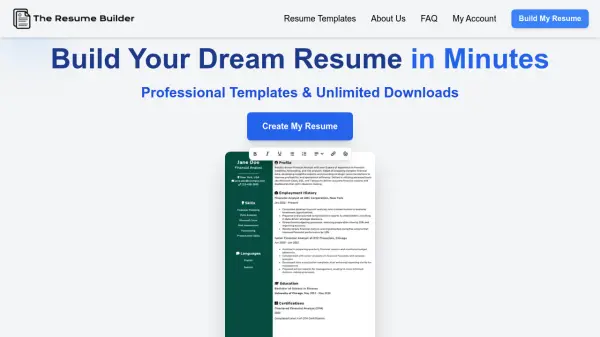
What is The Resume Builder?
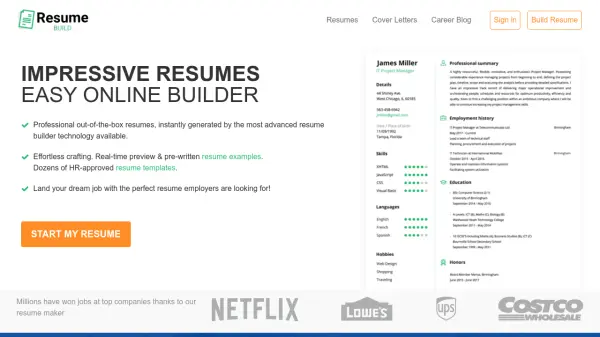
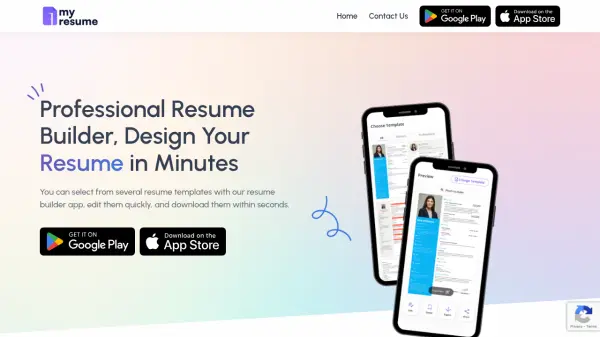
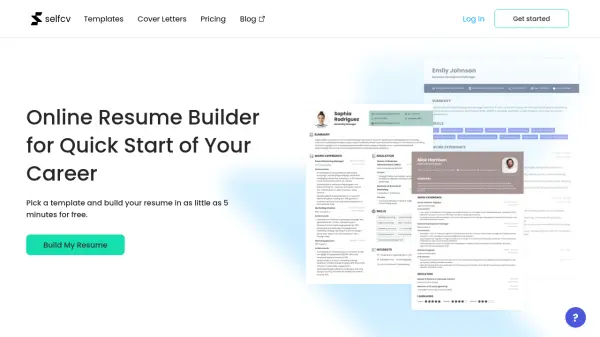
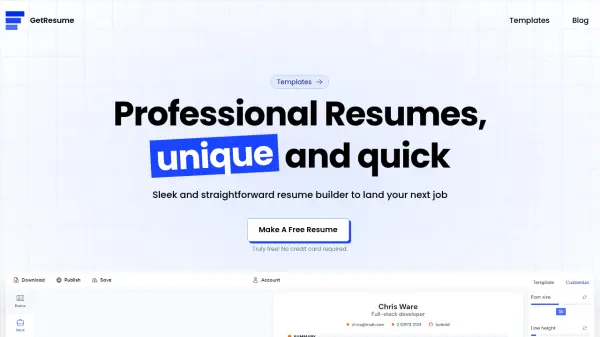
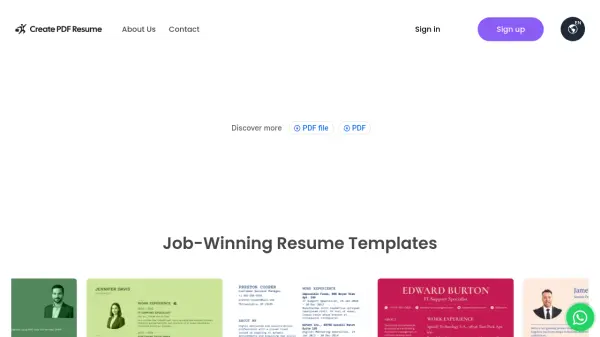
The Resume Builder streamlines the process of crafting a polished, professional resume with an easy-to-use editor and a selection of customizable templates. Users can quickly input their information, personalize layouts, and generate ATS-friendly resumes designed to attract recruiter attention.
Catering to diverse career needs, the platform enables unlimited PDF downloads, making it convenient for job seekers to tailor resumes for each application. The service provides expert tips and ensures a seamless user experience for building standout resumes in minutes.
Features
- Intuitive Editor: Simple interface for quick and easy resume creation
- Customizable Templates: Professionally designed layouts tailored to career needs
- Unlimited Downloads: Download unlimited PDFs without restrictions
- Expert Resume Tips: Guidance to help improve resume quality
- ATS Compatibility: Ensures resumes are optimized for applicant tracking systems
Use Cases
- Building a resume for job applications
- Creating customized resumes for different career opportunities
- Upgrading an existing resume to a more professional format
- Downloading multiple resume versions for various industries
- Accessing tips for crafting effective resumes