What is Resu.gg?
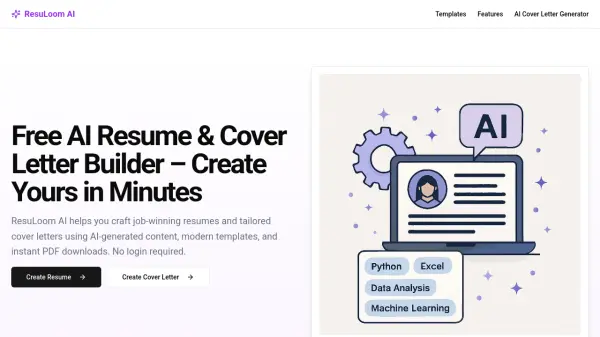
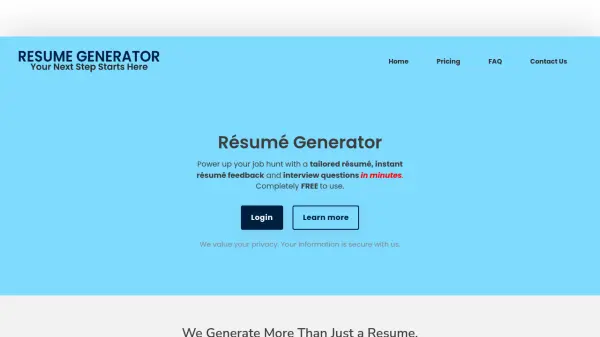
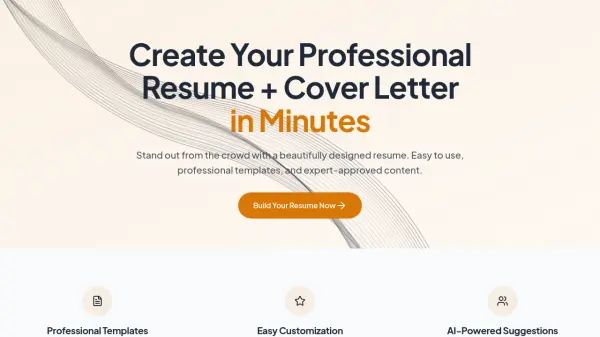
Resu.gg provides a platform for creating professional resumes and cover letters quickly. It offers a collection of ATS-friendly templates designed by experts, ensuring resumes are visually appealing and compatible with applicant tracking systems. Users can personalize their resumes using an intuitive editor with real-time preview functionality.
The platform includes AI-powered suggestions that analyze resume content to provide real-time improvements. These suggestions help optimize word choice, bullet points, and overall impact while aligning with current industry standards and job requirements. Users can create and save multiple resume versions for different positions or industries, with the ability to export in formats like PDF and plain text while maintaining consistent formatting.
Features
- Professional Templates: Choose from ATS-friendly templates designed by experts
- Easy Customization: Personalize resumes with an intuitive editor and real-time preview
- AI-Powered Suggestions: Get smart content suggestions to highlight skills and experience
Use Cases
- Creating a professional resume for job applications
- Designing a cover letter to accompany a resume
- Optimizing resume content with AI suggestions
- Targeting different positions with multiple resume versions
- Exporting resumes in PDF or plain text formats
FAQs
-
Is Resu.gg free to use?
Yes, Resu.gg offers a free tier that includes essential resume building features. Premium features are available for advanced customization and AI-powered optimization suggestions. -
Can I export my resume in different formats?
Yes, you can export your resume in multiple formats including PDF and plain text, with consistent formatting across platforms and devices. -
How does the AI assistance work?
The AI analyzes resume content and provides real-time suggestions to improve impact, including word choice, bullet point optimization, and alignment with industry standards and job requirements. -
Can I create multiple versions of my resume?
Yes, you can create and save multiple versions to target different positions or industries, with each version independently editable through your dashboard. -
How often can I update my resume?
You can update your resume as often as you like, with recommendations to keep it current by adding new skills, experiences, and achievements.