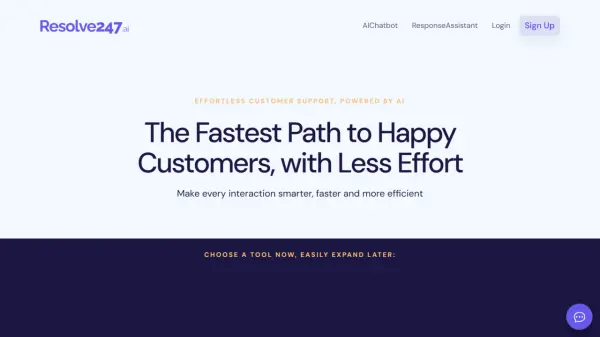
What is Resolve247?
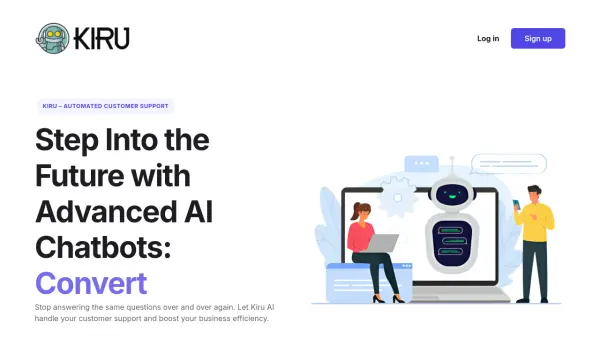
Resolve247 transforms customer support operations through innovative AI-powered solutions that seamlessly integrate with existing workflows. The platform offers two main tools: an AI chatbot providing 24/7 instant customer support and ResponseAssistant that automatically drafts responses in existing inboxes.
The solution stands out with its anti-hallucination guarantee and ability to maintain consistency in communication by writing in the company's tone of voice. The platform is designed to work alongside existing ticketing systems, requiring minimal setup effort while maximizing support team efficiency and customer satisfaction.
Features
- 24/7 Customer Support: Automated responses available round the clock
- Anti-hallucination Guarantee: Ensures accurate and reliable responses
- Quick Setup: Implementation in minutes with minimal technical requirements
- Custom Voice Integration: Writes responses in company's tone of voice
- Existing System Integration: Works with current ticketing systems
- Multi-source Knowledge Base: Uses data from all company sites
- Automated Response Drafting: Prepares responses automatically in inbox
- Flexible Implementation: Start with one tool and scale as needed
Use Cases
- 24/7 customer support automation
- Reducing support ticket volume
- Accelerating response times to customer inquiries
- Streamlining customer service operations
- Managing high volume customer support
- Automating repetitive support tasks
- Enhancing support team efficiency
FAQs
-
How much effort is it to get started?
Implementation is simple with one line of code for the AI chatbot and just an API key for Help Scout account integration with ResponseAssistant. The tools work alongside existing workflows with no need to change current systems. -
Can I have help getting started?
Yes, support is available through the chat widget's 'Contact a Human' button or via email at [email protected]. They offer assistance through screen-sharing, email, or other preferred methods. -
How do I use multiple Resolve247 tools?
It's recommended to start with ResponseAssistant as the data required for the AI Chatbot is included in that process. The knowledgebase is shared across tools, eliminating the need for repeated setup.