What is Remember?
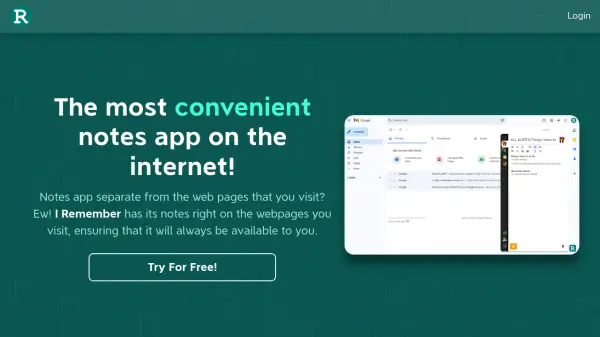
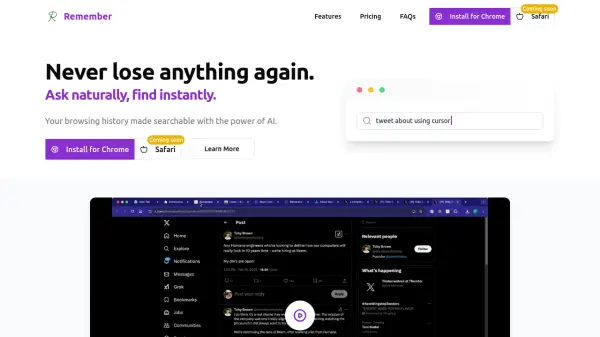
Remember enhances your web browsing experience by transforming your history into a searchable database powered by artificial intelligence. It operates quietly in the background, automatically analyzing and indexing the pages you visit. This process creates representations of your browsing data that understand context and meaning, eliminating the need for manual bookmarking.
The tool prioritizes user privacy by storing browsing history and metadata locally on your computer. While it utilizes cloud-based AI models (with Zero Data Retention policies) for processing, your core data remains secure on your device. Remember also supports cross-device synchronization when logged into Chrome, ensuring your searchable history is consistent across devices.
Features
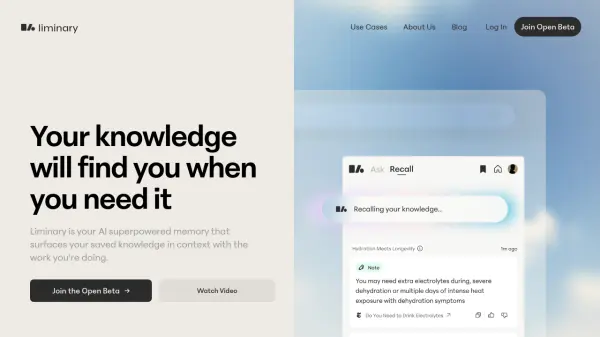
- Smart Search: Search browsing history using natural language queries, leveraging AI to understand context and meaning.
- Browsing Companion: Automatically indexes visited web pages in the background without requiring manual bookmarking.
- Privacy First: Stores browsing history, metadata, and embeddings locally on the user's computer; uses cloud AI models with Zero Data Retention policies.
- Cross-Device Support: Synchronizes browsing data across devices when logged into Chrome.
Use Cases
- Finding previously visited web pages without remembering the exact URL or title.
- Recalling information encountered during online research.
- Organizing and accessing browsing history across multiple devices.
- Searching personal web history using natural language questions.
FAQs
-
How does Remember work?
The system analyzes pages as you browse and stores a representation locally. It utilizes an OpenAI setup with Zero Data Retention via a passthrough server. Your history, metadata, and embeddings are stored locally and accessible via the 'Show History' tab. -
Is my browsing data secure with Remember?
Yes, your browsing history is stored locally on your computer. The cloud AI models used adhere to Zero Data Retention policies, ensuring data privacy and security. -
How does Remember handle pages viewed on my phone?
When logged into Chrome, Remember syncs your browsing data seamlessly across devices, including potentially your phone if Chrome sync is enabled there. -
How is Remember different from standard browser history?
Unlike standard browser history which primarily uses URLs and titles, Remember processes page content with AI, enabling search through natural language queries based on context and meaning.