What is OpenMemory?
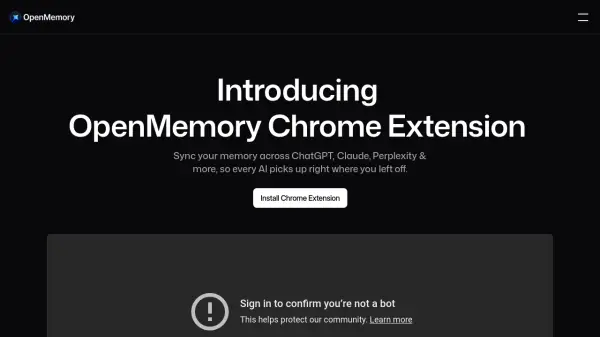
OpenMemory streamlines your workflow by providing a unified memory layer across popular browser-based AI tools. By capturing the context from your chats and interactions, it allows for seamless integration of user preferences and ongoing projects no matter which supported platform you're using. This extension ensures that your personalized settings, conversations, and context are always available, so you don't waste time re-explaining or reconfiguring.
With OpenMemory, your memory and preferences are automatically synced between AI tools such as ChatGPT, Claude, and Perplexity. The solution allows for more context-rich prompts and generates responses tailored to your unique workflow. Convenient features, including memory visibility, editability, and device synchronization, empower users to manage and utilize personal AI memory efficiently and securely.
Features
- Cross-Platform Memory: Sync context and preferences across multiple AI chat tools.
- Personalized Responses: Generate AI responses tailored to saved context and user history.
- Memory Import: One-click import of memory from platforms such as ChatGPT.
- Automatic Context Feeding: Carry project progress and setup across sessions and tabs.
- Editable Memory: View and modify stored context as needed.
- Device Syncing: Synchronize memory between devices.
- Session-Based Control: Option to disable memory for selected sessions or tools.
Use Cases
- Retaining user context and preferences across various AI platforms for seamless workflow.
- Automatically continuing projects or conversations between different AI chatbots and browser sessions.
- Reducing time spent repeating setup instructions to AI tools on new devices or tabs.
- Enriching prompt context for improved, tailored responses from AI agents.
- Synchronizing AI interactions for professionals using multiple browser-based AI solutions.
FAQs
-
What does the OpenMemory Chrome Extension do?
It adds a memory layer to browser-based AI tools by capturing context from your chats and making it available across platforms like ChatGPT, Claude, and Perplexity. -
Does it support importing memory from ChatGPT?
Yes, OpenMemory allows for one-click import of your context and preferences already established on ChatGPT. -
Can I see or edit what's stored?
Yes, the extension provides visibility and editability of the stored context and memory. -
Does it sync memory between devices?
OpenMemory can synchronize your memory and preferences between different devices. -
Can I turn memory off for a specific session or tool?
Yes, there is an option to disable memory for selected sessions or AI tools.