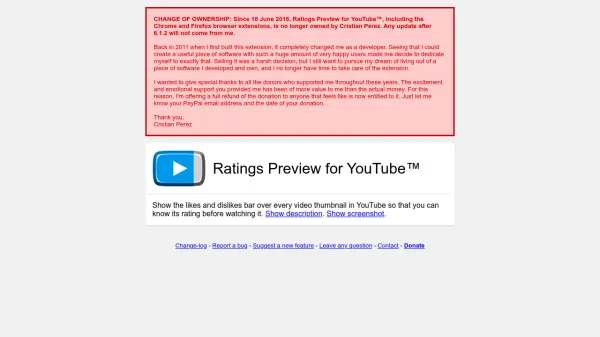
What is Ratings Preview for YouTube™?
Ratings Preview for YouTube™ is a browser extension designed to enhance the YouTube browsing experience by providing immediate visibility into video ratings. It displays a likes and dislikes bar under every video thumbnail across youtube.com, similar to YouTube's official rating display. This functionality enables users to quickly evaluate video quality before watching, helping them avoid low-rated content and identify highly-rated videos efficiently.
The extension utilizes YouTube's batch data API with direct JavaScript requests for fast loading of all rating bars simultaneously, ensuring minimal resource consumption. Additional features include a tooltip that shows likes percentage and total ratings count when hovering over the bar, and an optional configuration to automatically highlight the best videos on each page with a blue box. This tool is particularly useful for users who want to optimize their time spent on YouTube by filtering content based on community feedback.
Features
- Likes and Dislikes Bar: Displays a visual rating bar under every YouTube video thumbnail for quick assessment
- Tooltip Information: Shows likes percentage and total ratings count when hovering over the bar
- Automatic Highlighting: Configurable option to highlight the best videos on each page with a blue box
- Fast Performance: Uses YouTube's batch data API with direct JavaScript requests for lightning-fast loading and minimal resource consumption
Use Cases
- Quickly filtering YouTube videos based on community ratings to save time
- Identifying high-quality content before watching to avoid low-rated videos
- Enhancing browsing efficiency on YouTube by previewing video ratings