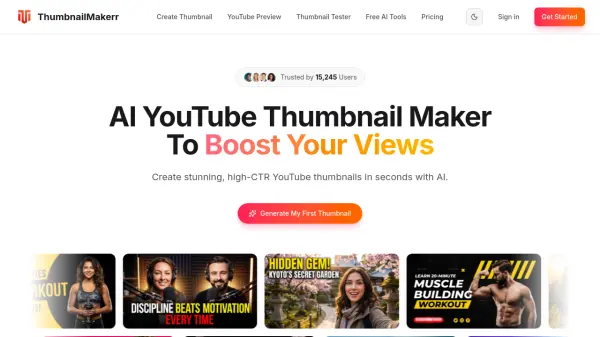
What is GetYouTubeThumbnail?
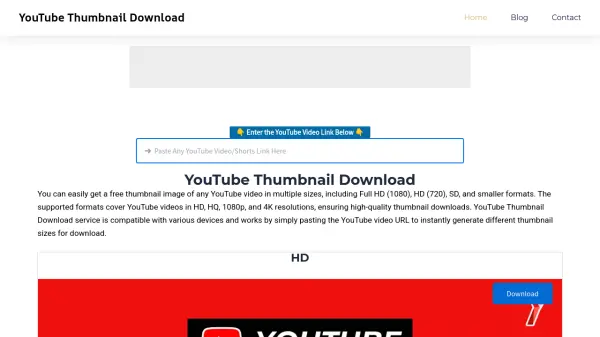
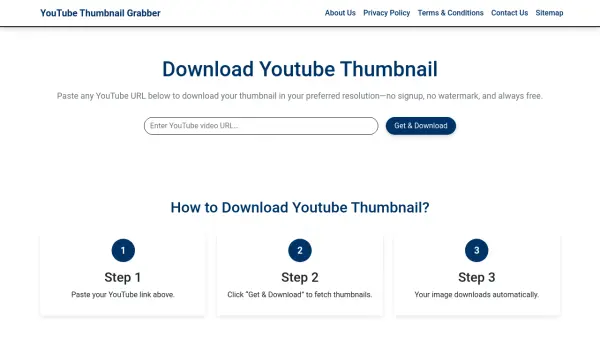
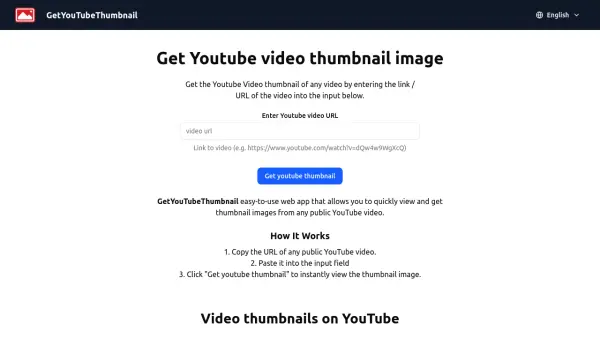
GetYouTubeThumbnail is a straightforward web application designed to extract thumbnail images from YouTube videos. Users can obtain thumbnails by copying and pasting the URL of any public YouTube video into the input field. The tool instantly displays the thumbnail, providing a quick and efficient way to access visual previews of video content.
The application emphasizes ease of use and accessibility, working seamlessly across devices including mobile. It supports various thumbnail sizes and qualities as generated by YouTube, helping creators, marketers, and viewers retrieve thumbnails for projects, analysis, or inspiration while adhering to YouTube's community guidelines.
Features
- URL-Based Extraction: Extract thumbnails by pasting any public YouTube video URL
- Instant Results: View thumbnails immediately after submitting the URL
- Multi-Device Support: Works on desktop and mobile devices
- High-Quality Output: Retrieves thumbnails in the quality available from YouTube
- Multiple Sizes: Supports various thumbnail sizes as generated by YouTube
Use Cases
- Content creators analyzing competitor thumbnails for inspiration
- Marketers creating presentations with YouTube video previews
- Educators incorporating video thumbnails in teaching materials
- Social media managers designing posts with YouTube content references
- Researchers collecting visual data from YouTube videos
FAQs
-
What is a YouTube thumbnail?
A YouTube thumbnail is a visual preview image that represents a video's content, displayed in search results, recommendations, and feeds to help viewers decide what to watch. -
How do I use this YouTube thumbnail viewer?
Copy the URL of any public YouTube video, paste it into the input field on the website, and click 'Get youtube thumbnail' to instantly view the thumbnail image. -
What quality are the gotten thumbnails?
The thumbnails are retrieved in the quality available from YouTube, typically high-resolution images suitable for various uses. -
What thumbnail sizes are available?
The tool supports various thumbnail sizes as generated by YouTube, though specific dimensions depend on YouTube's thumbnail options for each video. -
Why can't I get some thumbnails?
Some thumbnails might not be accessible due to video privacy settings, regional restrictions, or if the video violates YouTube's guidelines.