Rarsy favicon

Rarsy
AI Carousel Generator for LinkedIn and Other Platforms

What is Rarsy?

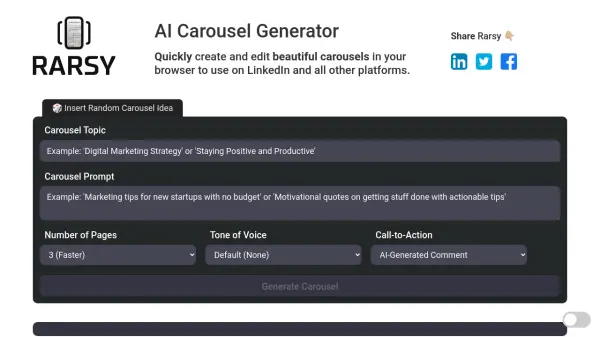
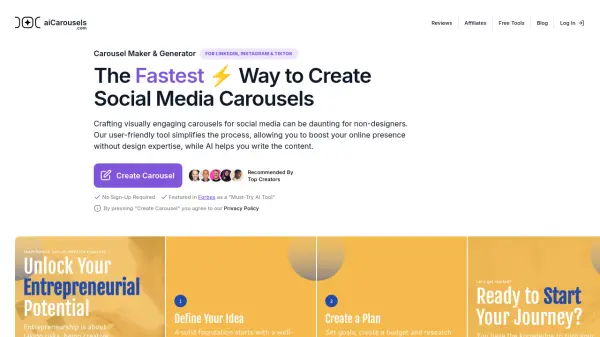
This AI-powered tool facilitates rapid creation and editing of visually appealing carousels, all within a user's browser. It's compatible with LinkedIn and all other major platforms. The interface allows for text editing, styling, and image replacement.

High-resolution screenshots are easily captured and convertible to PDF. The tool leverages OpenAI technology for enhanced performance.

Features

  • Text Editing: Click text to edit and use Ctrl+B/I/U to style.
  • Image Replacement: Use the replace image button to select new images.
  • Screenshot Capture: Windows+Shift+S takes a perfect screenshot.
  • PDF Conversion: Convert screenshots to a PDF format.
  • AI-Powered: Leverages OpenAI technology

Use Cases

  • Creating LinkedIn carousels
  • Generating social media content
  • Designing marketing materials
  • Developing visual presentations

FAQs

  • Why Screenshots?
    Converting webpages directly to PDF is challenging and unreliable. We’ve made it as easy as possible to get a high-resolution screenshot that can be converted to a PDF easily.

Helpful for people in the following professions

Related Tools:

Blogs:

  • Chat with PDF AI Tools

    Chat with PDF AI Tools

    Easily interact with your PDF documents using our advanced AI-powered tool. Whether you're reading lengthy reports, research papers, contracts, or eBooks, our platform lets you chat directly with your PDF files, ask questions, extract insights, and get summaries in real-time.

  • Top 6 AI note-taking tools for 2026: in-person, online, and hybrid use cases

    Top 6 AI note-taking tools for 2026: in-person, online, and hybrid use cases

    Most AI note-taking lists are really lists of meeting bots, which join your video call and transcribe it. That's useful, but it's half the picture. Decisions happen in hallway conversations, client dinners, on-site visits, and hybrid rooms where nobody is on a video link. This guide covers different parts of the note-taking workflow: hardware capture for in-person settings, platform-native tools for online calls, and AI layers for organizing and synthesizing what you've captured. It compares six tools by capture context, workflow fit, pricing, and limitations.

  • Best AI tools for Lawyers

    Best AI tools for Lawyers

    streamline legal processes, enhance research capabilities, and improve overall efficiency in the legal profession.

Didn't find tool you were looking for?

Be as detailed as possible for better results