What is Radarr?
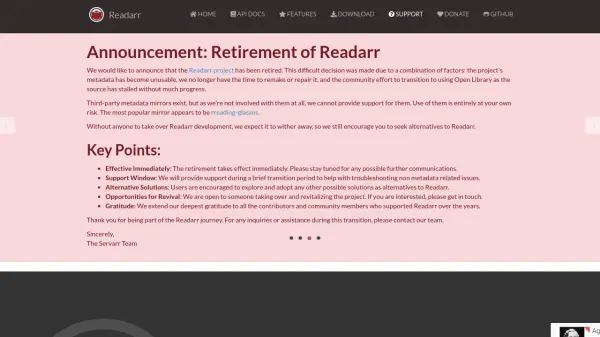
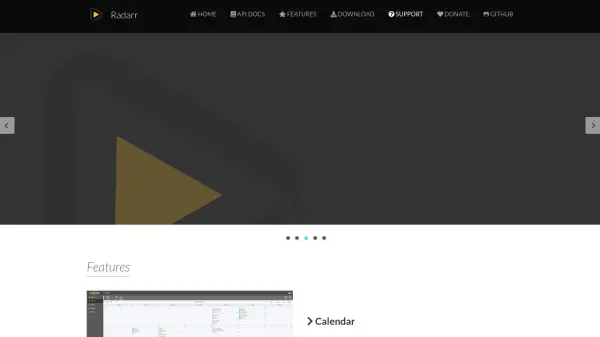
Radarr is an open-source movie download manager designed to automate the process of managing movie collections. It integrates with various download clients to automatically search for and download movies based on user-defined quality profiles and preferences. The tool features a calendar view for tracking upcoming releases, manual search capabilities for specific releases, and intelligent handling of failed downloads to ensure successful acquisition of content.
The platform supports custom formats for fine-grained control over release selection, allowing users to prioritize specific criteria using regular expressions and multiple parameters. Radarr offers cross-platform compatibility with installation options for Windows, Linux, macOS, NAS devices, Docker containers, and BSD systems, providing flexibility for different server environments and user preferences.
Features
- Calendar View: See all upcoming movies in one convenient location
- Manual Search: Find all available releases and choose specific ones for download
- Automatic Failed Download Handling: Automatically blacklists failed releases and tries alternatives
- Custom Formats: Fine control over release prioritization and selection using criteria and regex
- Multiple Platform Support: Available for Windows, Linux, macOS, NAS, Docker, and BSD
Use Cases
- Automating movie collection management
- Tracking upcoming movie releases
- Managing movie downloads with specific quality requirements
- Handling failed downloads automatically
- Organizing movie libraries with custom release preferences
FAQs
-
What platforms does Radarr support?
Radarr supports Windows, Linux, macOS, NAS devices, Docker containers, and BSD systems with various installation methods for each platform. -
How does Radarr handle failed downloads?
Radarr automatically blacklists failed releases and tries alternative releases until it finds one that works successfully. -
What are custom formats in Radarr?
Custom formats allow fine control over release prioritization and selection, from simple preferred words to complex criteria using regular expressions. -
Does Radarr require payment?
No, Radarr is completely free and open-source software with no subscription fees or payment requirements.