
What is QRQR.ws?
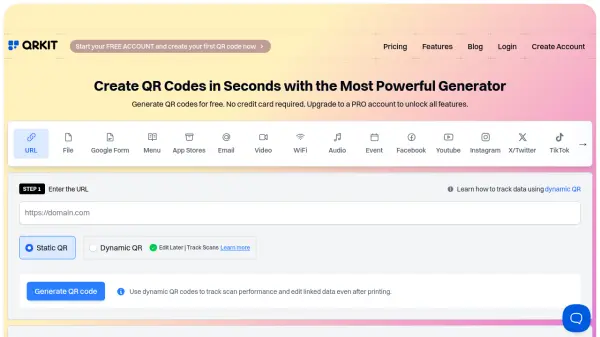
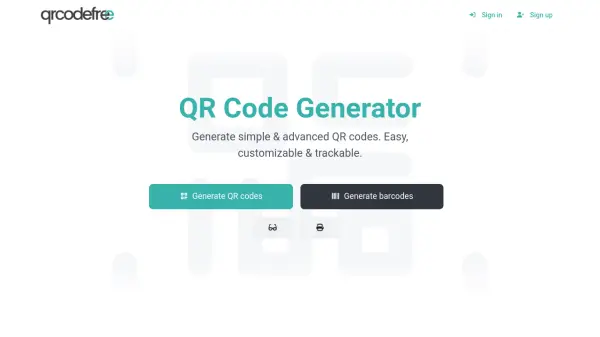
QRQR.ws is a user-friendly platform designed for generating and tracking dynamic QR codes. It enables users to create QR codes that can be edited and updated even after being printed or shared, providing flexibility for various applications. The platform also offers QR code webpages, which allow multiple QR codes to be shared in a compact carousel slideshow format on a single webpage.
With QRQR.ws, users can track QR code scans to gain insights into engagement and usage. The platform supports both static and dynamic QR codes, with static codes being free and dynamic codes requiring a subscription for advanced features like tracking and editing. This makes it suitable for businesses and individuals looking to share information quickly and monitor its effectiveness.
Features
- Dynamic QR Codes: Editable and trackable QR codes with scan analytics
- QR Code Webpages: Share multiple QR codes in a carousel slideshow on a single webpage
- Scan Tracking: Monitor QR code scans with analytics for insights
- Flexible Pricing: Offers free static codes and subscription plans for dynamic codes with varying features
Use Cases
- Sharing product information via QR codes
- Promoting materials with trackable QR codes
- Creating digital menus for restaurants
- Setting up contactless payment gateways
- Collecting customer feedback through QR codes
FAQs
-
What is the difference between static and dynamic QR codes?
Static QR codes contain fixed information that cannot be edited after creation, while dynamic QR codes can be edited and allow for tracking of scans. -
How much does it cost to create and use static and dynamic QR codes?
Static QR codes are free to create and use. Dynamic QR codes require a subscription or service fee for features like tracking and editing. -
What are QR code webpages?
QR code webpages are provided by QRQR.ws to make sharing many QR codes easier, containing a carousel slideshow for compact display on a single webpage.