What is PropulsionAI?
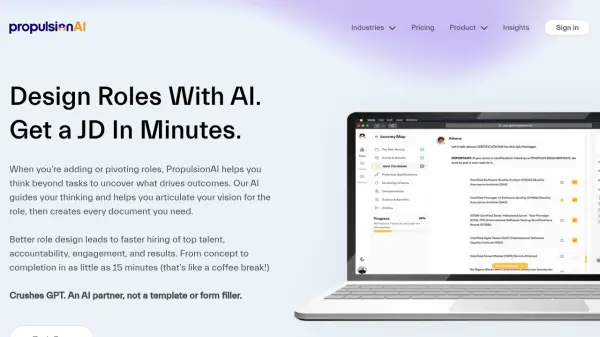
PropulsionAI revolutionizes the job description creation process by combining artificial intelligence with sophisticated role analysis capabilities. The platform serves as a digital HR business partner, guiding users through a comprehensive process that goes beyond basic task listing to uncover what truly drives outcomes for each position.
The platform analyzes competitors' job descriptions, provides tailored content recommendations, and automatically adjusts language and tone to match company culture while eliminating bias. It creates fully branded landing pages and generates complete hiring documentation, making it accessible for both HR professionals and hiring managers without requiring extensive HR expertise.
Features
- AI-Driven Analysis: Evaluates requirements and provides tailored content suggestions
- Competitor Analysis: Reviews and compares job descriptions from competitors
- Automated Language Optimization: Adjusts tone and eliminates biased language
- Custom Branding: Creates branded landing pages for job postings
- Document Generation: Produces complete hiring documentation including JDs and job posts
- SEO Optimization: Optimizes job content for better visibility
- Integration Capability: Works with existing HR and recruiting tools
- Performance Metrics: Helps define clear KPIs and success metrics
Use Cases
- Creating new job descriptions from scratch
- Optimizing existing job descriptions
- Generating SEO-friendly job postings
- Analyzing competitor job listings
- Standardizing hiring documentation
- Developing inclusive job content
- Defining role performance metrics
- Creating branded recruitment materials
FAQs
-
How long does it take to create a job description?
It takes approximately 15-30 minutes to complete a full job description using the platform. -
Do I need HR expertise to use the platform?
No, the platform is designed to be user-friendly and can be used effectively by both HR professionals and hiring managers without HR expertise. -
How does it compare to using ChatGPT?
PropulsionAI provides more specialized and comprehensive job description creation capabilities compared to ChatGPT, with features specifically designed for recruitment and hiring.