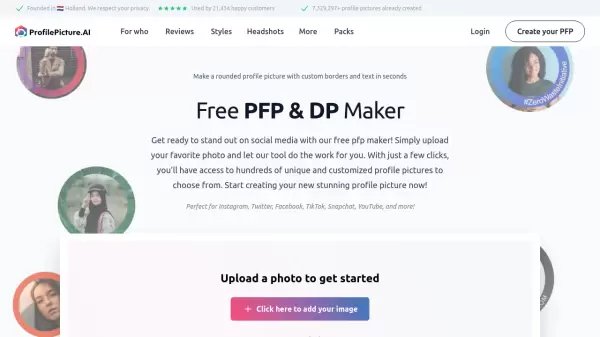
What is Profile Picture Maker?
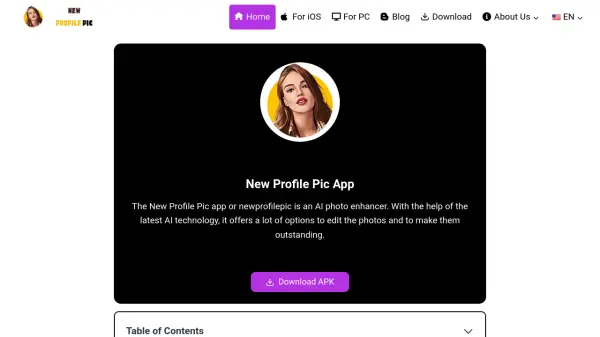
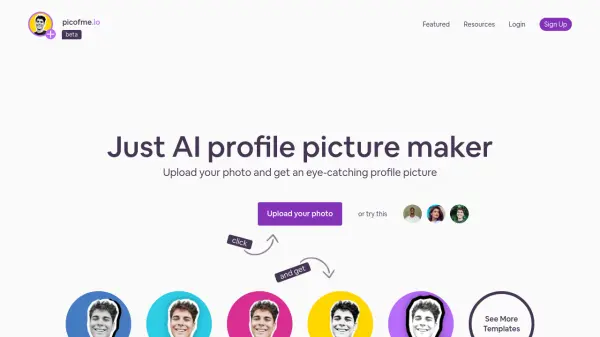
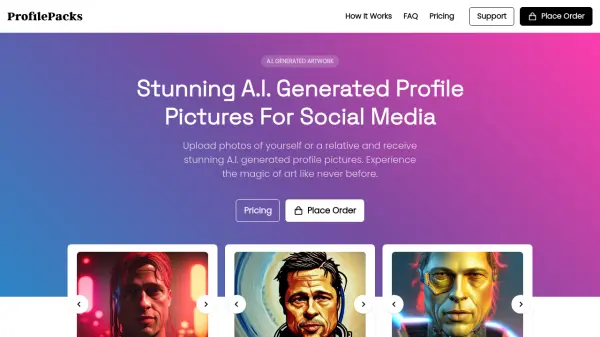
Profile Picture Maker is an innovative web application that transforms ordinary photos into eye-catching social media profile pictures. The tool specializes in creating circular profile pictures with customizable borders and text overlays, offering hundreds of unique variations for users to choose from.
What sets this tool apart is its commitment to user privacy, utilizing advanced web technology that processes all images directly in the user's browser without requiring server uploads. The platform supports various social media platforms, including Instagram, Twitter, Facebook, TikTok, Snapchat, and YouTube, making it a versatile solution for digital presence management.
Features
- Local Processing: All image processing done in browser for privacy protection
- Custom Borders: Add colored circular borders for enhanced visibility
- Text Overlay: Add curved text around profile pictures for branding
- Background Removal: Automatic background removal capability
- Multi-Platform Support: Compatible with major social media platforms
- Multiple Variations: Generates hundreds of unique profile picture options
Use Cases
- Social media profile picture creation
- Personal branding
- Campaign support visualization
- Business promotion
- Team profile picture standardization
- Social media marketing
FAQs
-
Is my photo privacy protected when using the tool?
Yes, all image processing is done locally in your browser, and no photos are uploaded to external servers. -
Which social media platforms are supported?
The tool supports Instagram, Twitter, Facebook, TikTok, Snapchat, YouTube, and more. -
Do I need to create an account to use the tool?
No sign-up is required to use the basic features of the profile picture maker.