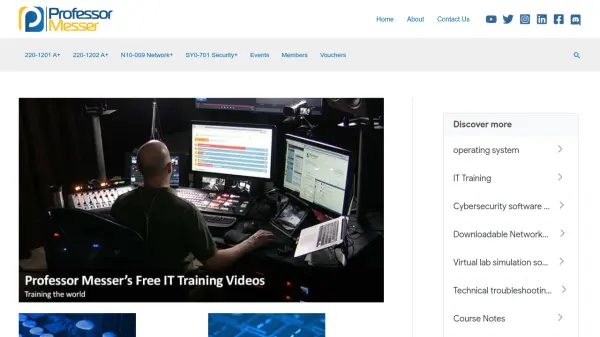
What is Professor Messer?
Professor Messer offers comprehensive free training resources for CompTIA certification exams, including A+, Network+, and Security+. The platform provides video tutorials, downloadable course materials, practice exams, study group replays, and pop quizzes to help learners prepare effectively for their certification tests.
Users can access structured learning paths for each certification with organized content including video lessons, detailed course notes, and interactive study tools. The service also includes exam registration guidance, discounted CompTIA vouchers, and archived study materials for previous exam versions.
Features
- Free Training Videos: Comprehensive video tutorials for CompTIA A+, Network+, and Security+ certifications
- Course Notes: Detailed downloadable study materials and reference guides for each certification track
- Practice Exams: Simulated tests to prepare users for actual CompTIA certification exams
- Study Group Replays: Archived study sessions and group learning opportunities
- Pop Quizzes: Interactive knowledge checks and quick assessment tools
Use Cases
- Preparing for CompTIA A+ certification exams
- Studying for Network+ certification tests
- Getting ready for Security+ certification assessments
- Supplementing IT education with free training materials
- Practicing with simulated certification exams