
What is Private Line?
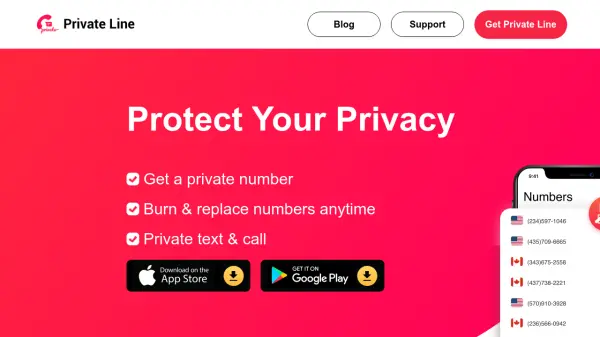
Private Line is designed to provide users with secure and private communication through real U.S. and Canadian phone numbers that can be created, used, and burned at any time. Users can instantly access private calling and texting capabilities from a separate line on their phone, ensuring privacy and confidentiality in all communications.
This application helps protect sensitive information with military-grade encryption and offers full control over personal data. Numbers can be used as long as needed and removed when no longer required, making it ideal for anyone seeking flexibility and security in their communication methods. Extra features include anonymous messaging, the ability to lock photos and videos, and multiple number management from a single device.
Features
- Multiple Numbers, One Phone: Manage various real local numbers on a single device
- Lock All Photos & Videos: Secure your media within the app
- Burn Numbers Anytime: Instantly delete and replace numbers for privacy
- Private Text & Call: Make calls and send messages securely
- Military Encryption: Communications are protected with advanced encryption standards
- Send Messages Anonymously: Protect your identity when communicating
Use Cases
- Protecting personal privacy when giving out a phone number online
- Managing business communications separately with additional phone lines
- Anonymous communication for classified ads or online transactions
- Temporary numbers for travel, dating, or event registration
- Securing multimedia messages and calls with encryption
- Burning phone numbers after one-time use to maintain confidentiality