
What is Prequel?
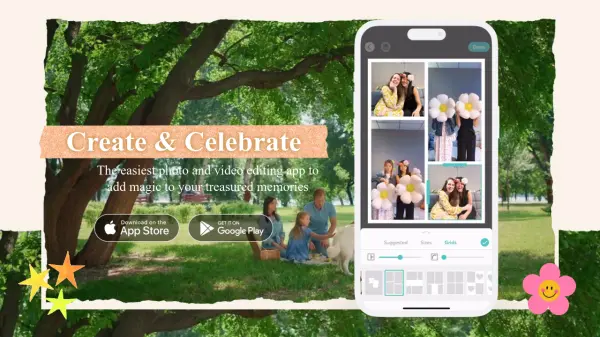
Prequel is a versatile photo and video editing app designed to help users create stunning visual content with ease. The app leverages AI-powered effects to transform selfies and portraits into works of art, offering features like D3D effects, AR objects, and captions. Users can also enhance their images with advanced editing tools, including skin retouching, teeth whitening, and face reshaping. With over 800 effects and filters, Prequel allows users to color-correct their narratives and highlight their moods with styles ranging from vintage to Y2K. Additionally, the app provides video templates, intros, outros, and background music to streamline content creation.
Prequel's user-friendly interface makes it accessible for both beginners and experienced editors, offering a comprehensive suite of tools to elevate any project. Whether you're looking to create eye-catching profile pictures or produce professional-quality videos, Prequel has everything you need to bring your vision to life.
Features
- AI-Powered Effects: Transform selfies and portraits into artistic creations with AI-driven enhancements.
- Advanced Editing Tools: Fine-tune images with contrast, brightness, saturation, warmth, and sharpening adjustments.
- 800+ Effects and Filters: Choose from a vast library of effects and filters to match any aesthetic.
- Video Templates: Streamline video creation with pre-designed intros, outros, and background music.
- Retouching Features: Achieve flawless edits with skin smoothing, teeth whitening, and face reshaping tools.
Use Cases
- Creating eye-catching profile pictures for social media
- Enhancing personal photos with artistic effects
- Producing professional-quality videos with templates
- Retouching portraits for a flawless look
- Exploring creative editing styles with filters and effects
FAQs
-
What types of effects does Prequel offer?
Prequel offers over 800 effects, including D3D effects, AR objects, captions, and filters ranging from vintage to Y2K styles. -
Can I use Prequel for video editing?
Yes, Prequel provides video templates, intros, outros, and background music to help you create professional-quality videos. -
Does Prequel offer retouching features?
Yes, Prequel includes retouching tools like skin smoothing, teeth whitening, and face reshaping for flawless edits. -
Is Prequel suitable for beginners?
Absolutely, Prequel's user-friendly interface makes it accessible for both beginners and experienced editors.