What is PourTheData PDF Email Extractor?
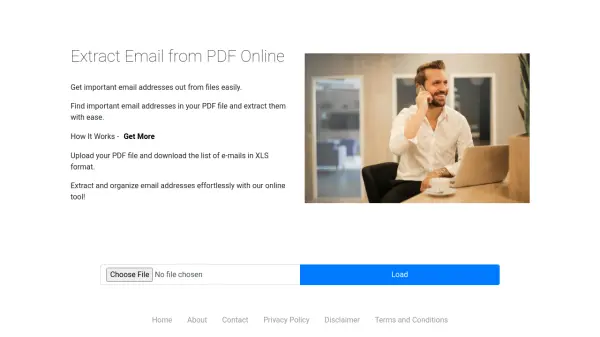
PourTheData PDF Email Extractor is an online tool designed to automate the extraction of email addresses from PDF files. It scans documents efficiently, identifies valid email addresses, and organizes them into a downloadable Excel format. This eliminates the need for manual searching and copying, saving time and reducing errors in data collection processes.
The tool operates through a simple three-step workflow: users upload their PDF file, the system automatically extracts all email addresses, and results are provided in an Excel file for easy access. It ensures accuracy by capturing only unique and valid emails, making it suitable for various professional applications where contact information needs to be gathered from digital documents.
Features
- Fast & Efficient: Instantly extract email addresses from any PDF file
- Accurate & Reliable: Ensures only valid and unique emails are captured
- User-Friendly: Just upload your file and download the results
- Excel Output: Automatically saves extracted emails in a structured Excel file
Use Cases
- Gather contact emails for lead generation in marketing campaigns
- Extract emails from reports and documents for research and analysis
- Quickly find potential candidates' contact details for recruitment
- Automate email extraction from PDFs for general document handling