What is PostNitro?
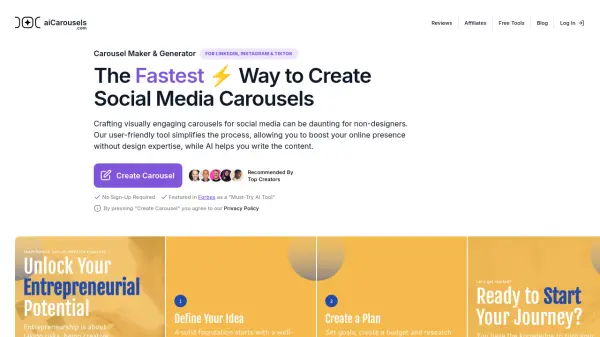
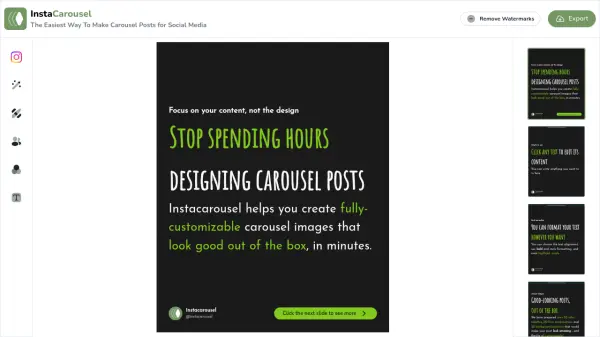
PostNitro leverages artificial intelligence to facilitate the creation of eye-catching carousels for social media. This tool is particularly useful for boosting online presence across platforms such as Instagram and LinkedIn. PostNitro offers a user-friendly interface with pre-designed templates and customizable options including fonts, colors, and images. Users can generate a full carousel with a simple input of a topic or text, customize it to reflect their brand identity, and export the final product in various formats like PDF and PNG, ready for sharing.
Features
- AI Writer: Automatically writes engaging carousel content.
- Multilingual Support: Generates carousels in multiple languages to reach a broader audience.
- Custom Branding: Allows uploading custom fonts and color palettes to maintain brand consistency.
- Zapier Integration: Integrates with Zapier for enhanced automation and efficiency.
- High-Quality Export: Provides professional-grade exports in PDF and PNG formats.
Use Cases
- Enhancing brand presence on social media platforms.
- Converting articles and texts into interactive carousels.
- Creating visually appealing promotional content.
FAQs
-
What social media platforms are compatible with PostNitro?
PostNitro is compatible with platforms like Instagram and LinkedIn for creating engaging carousels. -
Can I customize the carousels created by PostNitro?
Yes, users can customize the carousels with different fonts, colors, and images to match their brand identity. -
Does PostNitro support multiple languages?
Yes, PostNitro offers multilingual support, allowing users to generate carousels in various languages.