Popflick favicon

Popflick
An inspiring space crafted for storytelling animations

What is Popflick?

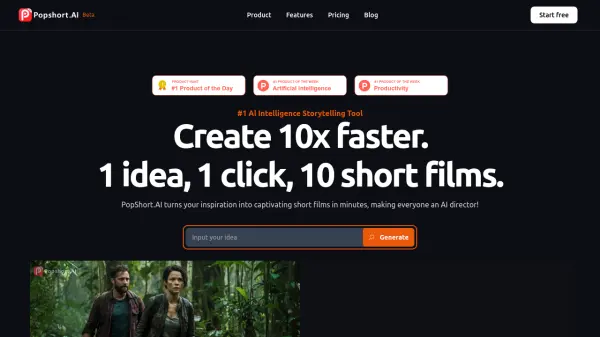
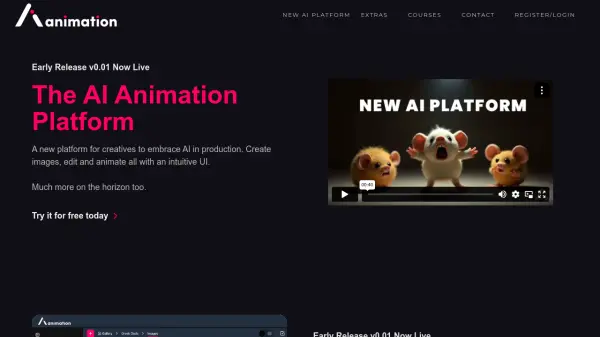
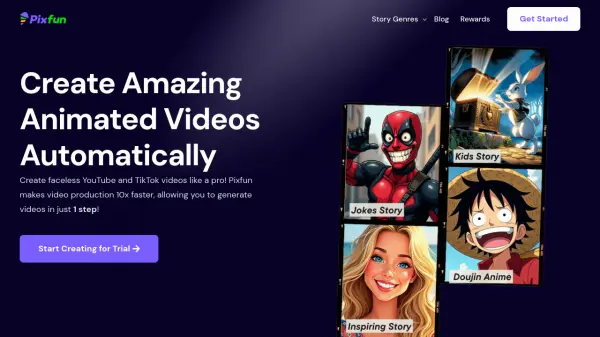
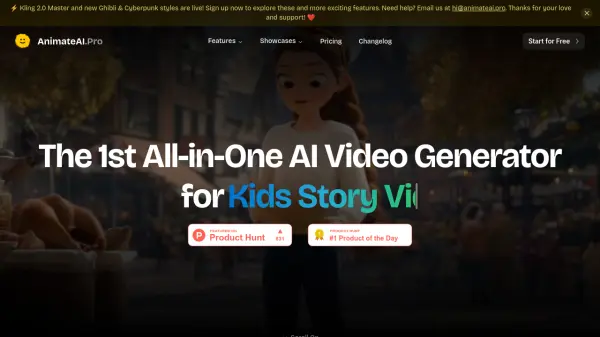
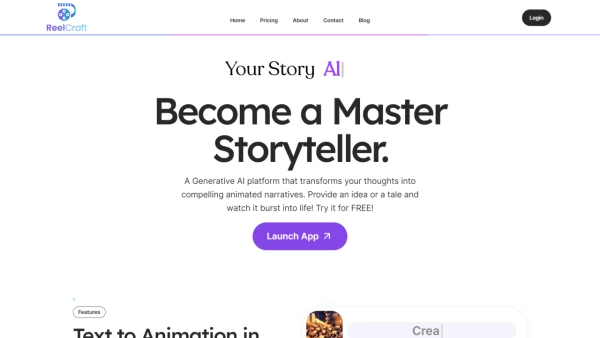
Popflick provides a dedicated environment for developing storytelling animations through artificial intelligence. The platform enables users to craft animated narratives by leveraging AI technology to streamline the animation creation process.

With a focus on storytelling, Popflick integrates tools that assist in generating and refining animated content, making it accessible for various creative projects. The service supports users from concept to final animation, enhancing the efficiency and quality of animated storytelling productions.

Features

  • Storytelling Focus: Specializes in creating animated narratives with AI assistance
  • Animation Tools: Provides features for generating and refining animated content
  • AI Integration: Utilizes artificial intelligence to streamline animation production

Use Cases

  • Creating animated short films for entertainment
  • Developing educational animations for teaching concepts
  • Producing marketing animations for brand storytelling
  • Crafting personal storytelling projects as creative expressions

Related Tools:

Blogs:

  • AI thumbnail maker tools

    AI thumbnail maker tools

    Automatically generate visually appealing and optimized thumbnails for various digital content, streamlining the design process and enhancing visual engagement

  • Best Content Automation AI tools

    Best Content Automation AI tools

    Streamline your content creation process, enhance productivity, and elevate the quality of your output effortlessly. Harness the power of cutting-edge automation technology for unparalleled results

  • Top 6 AI note-taking tools for 2026: in-person, online, and hybrid use cases

    Top 6 AI note-taking tools for 2026: in-person, online, and hybrid use cases

    Most AI note-taking lists are really lists of meeting bots, which join your video call and transcribe it. That's useful, but it's half the picture. Decisions happen in hallway conversations, client dinners, on-site visits, and hybrid rooms where nobody is on a video link. This guide covers different parts of the note-taking workflow: hardware capture for in-person settings, platform-native tools for online calls, and AI layers for organizing and synthesizing what you've captured. It compares six tools by capture context, workflow fit, pricing, and limitations.

Didn't find tool you were looking for?

Be as detailed as possible for better results