What is Pokecut?
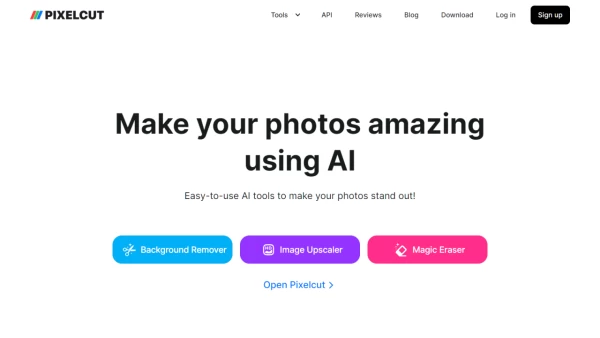
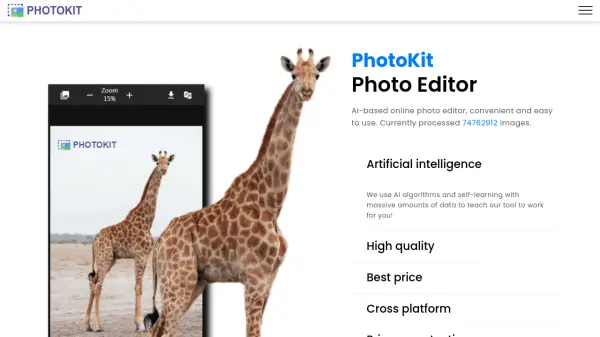
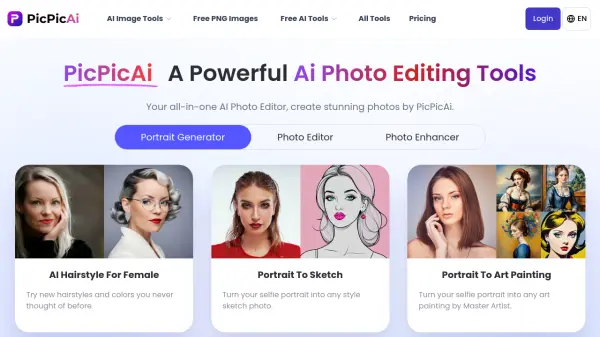
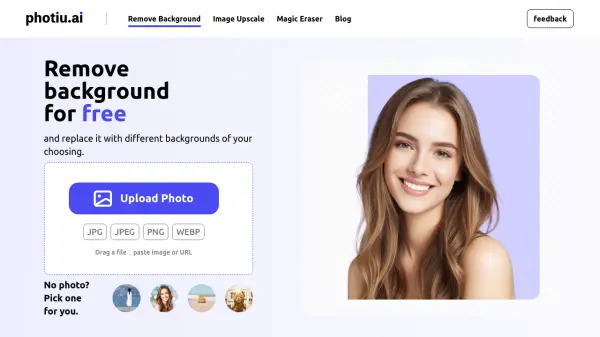
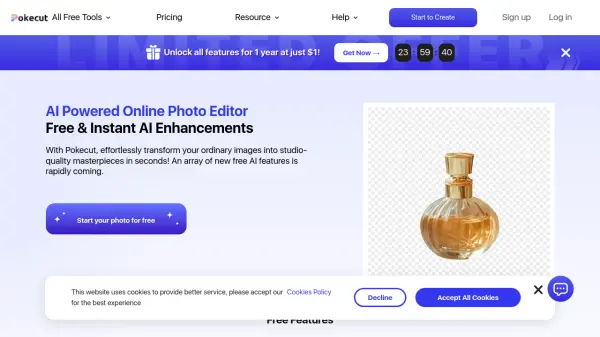
Pokecut provides an AI-driven online platform for photo editing, enabling users to effortlessly elevate standard images to professional quality within seconds. It features tools for instant background removal, creating transparent images from photos of people, products, pets, logos, and more without requiring downloads. The platform also allows users to change image backgrounds using a library of over 1000 templates and colors for professional results.
Additionally, Pokecut includes an AI enhancer to improve image quality by converting blurry, low-resolution, or old photos into high-definition, sharper images with higher pixel counts. This feature supports various image types, including portraits, product shots, text images, and landscapes, delivering noticeable improvements rapidly. Other AI tools offered include a magic eraser, image extender, ID photo creator, and background blur feature.
Features
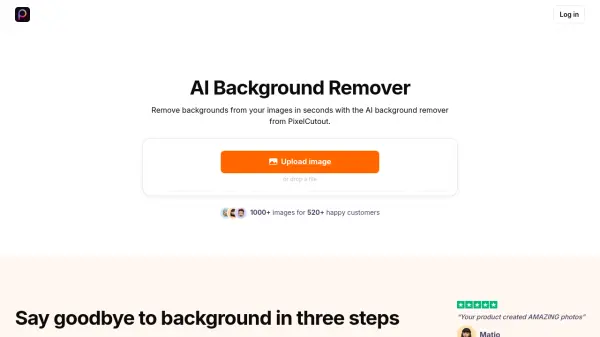
- AI Background Remover: Instantly remove backgrounds from photos of people, products, pets, logos, and more to create transparent images.
- AI Background Changer: Choose from over 1000 templates and colors to change image backgrounds for professional-looking photos.
- AI Photo Enhancer: Upscale blurry, low-resolution, and old photos to HD quality with higher pixels and sharpness.
- Magic Eraser: Remove unwanted objects or elements from photos.
- AI Image Extender: Expand the borders of images using AI.
- AI ID Photo: Create compliant ID photos using AI assistance.
- AI Blur Background: Apply artistic blur effects to image backgrounds.
Use Cases
- Creating transparent background images for e-commerce products.
- Changing photo backgrounds for professional or creative purposes.
- Enhancing the quality and resolution of old or blurry photos.
- Preparing ID photos quickly and easily.
- Removing unwanted objects from images.
- Expanding image dimensions seamlessly.
- Adding artistic blur effects to photo backgrounds.
FAQs
-
What distinguishes the Pro plan from the Credits plan?
The Pro plan provides access to all photo editing tools and includes monthly or weekly credits for using generative AI tools. The Credits plan also offers full access to all tools but with lifetime credits, which you can purchase as needed. -
What happens if I don't use all my Pro credits within the subscription period?
Any unused Pro credits do not roll over. Your Pro credits refresh every month or week, starting from your subscription date. -
Can I cancel or upgrade my Pro subscription?
Yes, you can cancel or upgrade anytime via your Account Information > My Order on the website. Changes take effect immediately. -
Will my subscription plan renew automatically?
Yes, subscriptions renew automatically unless cancelled before the renewal date. -
Can a membership purchased on the website be used on the app?
No, currently website and app memberships are separate due to ongoing development.