Podletter favicon

Podletter
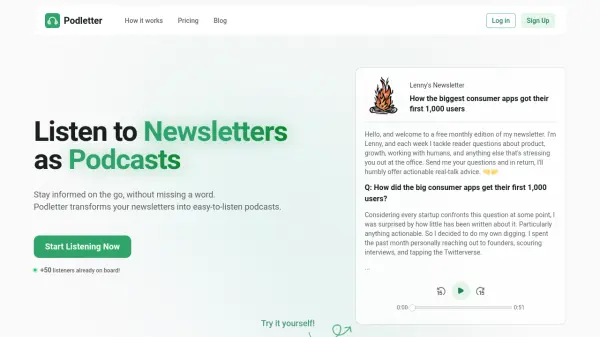
Listen to Newsletters as Podcasts

What is Podletter?

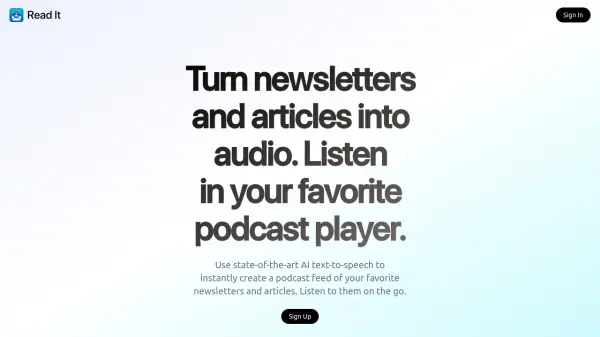
Podletter is a service that transforms newsletters into easy-to-listen podcasts. It allows users to stay informed without having to read, providing a convenient option for consuming newsletter content while multitasking or on the go.

The platform provides a user dashboard, where newsletters are automatically converted into audio format. Users simply sign up to newsletters using their Podletter email address.

Features

  • Automated Conversion: Newsletters automatically turn into audio in your dashboard.
  • Dedicated Email: Subscribe to newsletters with your Podletter email.
  • Easy Listening: Enjoy your audio newsletters anywhere—just hit play.

Use Cases

  • Listening to newsletters during commutes
  • Catching up on newsletters while exercising
  • Consuming newsletter content while doing chores
  • Staying informed on newsletters during walks

Related Tools:

Blogs:

  • Best ai tools for Twitter Growth

    Best ai tools for Twitter Growth

    The best AI tools for Twitter's growth are designed to enhance user engagement, increase followers, and optimize content strategy on the platform. These tools utilize artificial intelligence algorithms to analyze Twitter trends, identify relevant hashtags, suggest optimal posting times, and even curate personalized content.

  • AI tools for video voice overs

    AI tools for video voice overs

    Discover the next level of video production with AI-powered voiceover tools. Enhance your content effortlessly, ensuring professional-quality narration for your videos.

  • Top 6 AI note-taking tools for 2026: in-person, online, and hybrid use cases

    Top 6 AI note-taking tools for 2026: in-person, online, and hybrid use cases

    Most AI note-taking lists are really lists of meeting bots, which join your video call and transcribe it. That's useful, but it's half the picture. Decisions happen in hallway conversations, client dinners, on-site visits, and hybrid rooms where nobody is on a video link. This guide covers different parts of the note-taking workflow: hardware capture for in-person settings, platform-native tools for online calls, and AI layers for organizing and synthesizing what you've captured. It compares six tools by capture context, workflow fit, pricing, and limitations.

Didn't find tool you were looking for?

Be as detailed as possible for better results