What is podlettr?
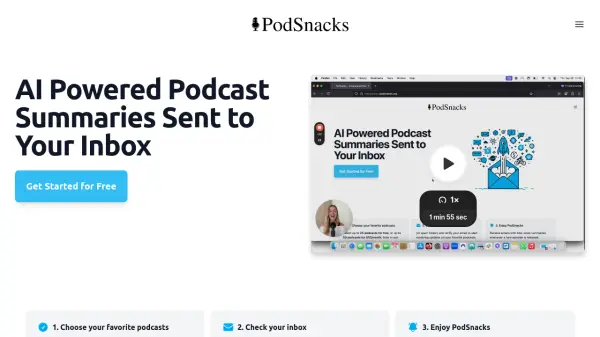
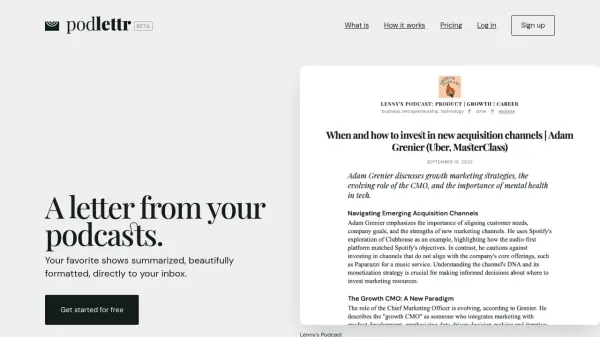
Podlettr is a service designed to help users digest their favorite podcasts more efficiently. It utilizes an AI engine to generate summaries of English-spoken podcast episodes and delivers them as weekly newsletters directly to the user's inbox every Monday. Users can search for podcasts available on streaming services, select up to four shows, and choose an editorial format for the summaries, ranging from a brief overview to a more detailed analysis like an article or chapter-based breakdown.
This tool allows users to stay informed about the content of podcasts without needing to listen to the full episodes. After selecting podcasts and a format, users receive their customized newsletter, ensuring they don't miss out on key insights and conversations from their chosen shows. The service offers a simple way to keep up with podcast content through readable summaries delivered conveniently via email.
This tool allows users to stay informed about the content of podcasts without needing to listen to the full episodes. After selecting podcasts and a format, users receive their customized newsletter, ensuring they don't miss out on key insights and conversations from their chosen shows. The service offers a simple way to keep up with podcast content through readable summaries delivered conveniently via email.
Features
- AI-Generated Summaries: Automatically creates summaries of podcast episodes using AI.
- Weekly Email Delivery: Sends summaries directly to your inbox every Monday.
- Podcast Selection: Follow up to four different podcasts (with paid plan).
- Customizable Formats: Choose from various editorial formats (Summary, Article, Chapters, Bullet Points).
- Supports English Podcasts: Compatible only with podcasts spoken in English.
- Online Issue History: Access past newsletters online (paid plan).
Use Cases
- Staying updated on favorite podcasts with limited time.
- Quickly understanding the key points of podcast episodes.
- Receiving curated podcast content via email.
- Archiving summaries of important podcast episodes.
FAQs
-
How often are the podcast summary newsletters sent?
A new issue is sent every Monday. -
How many podcasts can I follow with Podlettr?
You can follow up to four podcasts per issue with the paid plan. -
What languages does Podlettr support for podcasts?
Podlettr is only compatible with English-spoken podcasts. -
What summary formats are available?
Available formats include Summary (gist in paragraphs), Article (medium-to-longform), Chapters (themed groups), and Bullet points. -
Is there a free trial available?
Yes, the first two newsletter issues are free, with no credit card required.