

What is CustomPod?
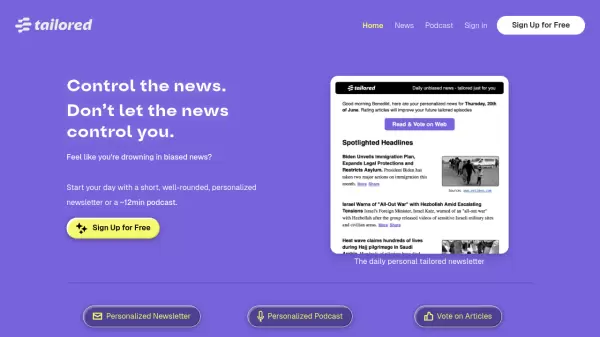
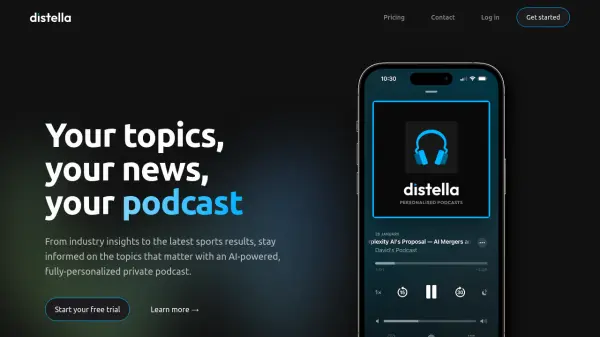
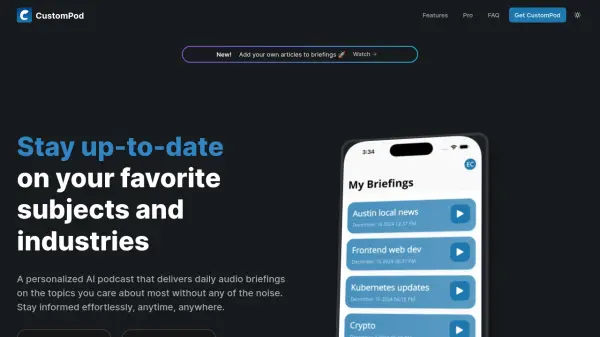
CustomPod is an AI-powered audio briefing service that transforms how users consume information. The platform creates personalized podcasts by curating content from multiple sources including blogs, news websites, social media, RSS feeds, and personal content like Gmail and Slack. Using advanced AI technology, it analyzes selected content, extracts relevant information, and generates concise summaries that capture key points while maintaining context and accuracy.
The service delivers daily audio briefings that users can listen to while commuting, working, or during their morning routine. Users have complete control over their feeds, with the ability to customize topics, sources, update frequency, briefing length, and delivery time. The platform features smart filtering that ensures users only receive the most relevant content for their interests, along with real-time updates on breaking news and important developments in their field.
Features
- Custom Feeds: Create personalized feeds from multiple sources including news, weather, and tech updates
- AI Summaries: Get intelligent summaries of long-form content that capture key points quickly
- Daily Briefings: Start your day with comprehensive audio briefings of everything you need to know
- Smart Filtering: Advanced filtering ensures you only receive the most relevant content for your interests
- Quick Updates: Get real-time updates on breaking news and important developments in your field
Use Cases
- Morning routine updates while commuting to work
- Staying informed on hard-to-follow industries and topics
- Consuming multiple content sources in a single audio format
- Getting real-time updates on breaking news in specific fields
- Listening to personalized content while multitasking
FAQs
-
What devices support CustomPod?
CustomPod is available on both iOS and Android devices through mobile apps, and can also be accessed through the web platform. -
How often can I update my audio briefings?
You can generate a new briefing any time you want to get the latest information from your sources, giving you complete control over update frequency. -
What types of content sources can I add to my feed?
You can add RSS feeds, news websites, personal blogs, Reddit, and personalized sources such as Gmail, Slack, and local weather. -
Is there a limit to how many topics or sources I can follow?
No, there's no limit to the number of topics or sources you can follow in CustomPod. -
How long is a typical daily briefing?
The length depends on how many sources you have added - more sources result in longer briefings, but you can customize the length preferences.