What is Plazmapunk?
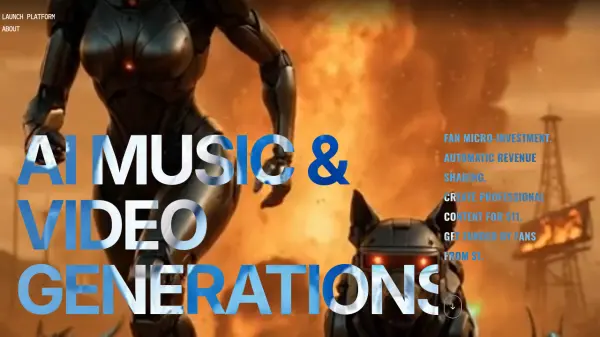
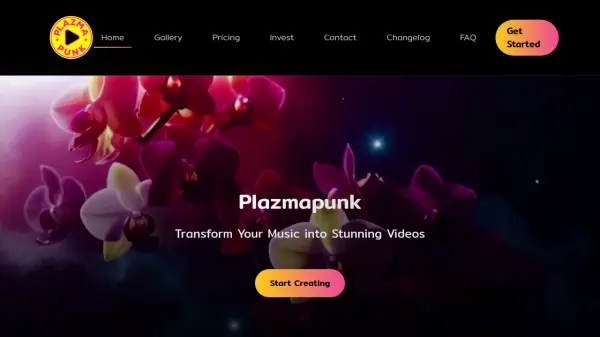
Plazmapunk combines advanced AI technology with intuitive video editing tools to transform musical ideas into captivating visual content. The platform leverages multiple AI models, including Kandinsky 2.2 and Stable Diffusion XL, to generate professional-quality music videos in minutes.
The system offers comprehensive features including music-synchronized visuals, multiple aspect ratio support, and a scene editor with GPT assistance. Users can enhance their videos with premium effects, transitions, and the Magic Style feature, making it suitable for both established artists and aspiring musicians.
Features
- AI Music Generation: Create unique soundtracks with advanced AI technology
- Multiple Visual Styles: Access to Kandinsky 2.2 and Stable Diffusion XL
- Fast Generation: Create professional videos in minutes
- Scene Editor: Fine-tune videos with intuitive editing tools and GPT assistance
- Multiple Aspect Ratios: Support for 3:4, 9:16, 16:9, and 1:1 formats
- Style Enhancement: Magic Style feature for visual enhancement
- Music Sync: Perfect synchronization between music and visuals
- Premium Effects: High-quality effects and transitions
Use Cases
- Creating music videos for songs
- Generating visual content for social media
- Producing promotional music content
- Creating artistic visual interpretations of music
- Developing content for multiple platforms
- Making professional music visualizations
FAQs
-
How many video generation seconds do I get per day?
The free plan includes 20 seconds per day, Pioneer plan offers 100 seconds, Punk plan provides 300 seconds, and Producer plan gives 3000 seconds per day. -
What aspect ratios are supported?
Free plan supports 4:3 only, while paid plans support 3:4, 9:16, 16:9, and 1:1 aspect ratios. -
Which AI models are available for video generation?
Plazmapunk offers Kandinsky 2.1, Kandinsky 2.2, and Stable Diffusion XL for video generation, with access varying by subscription level.