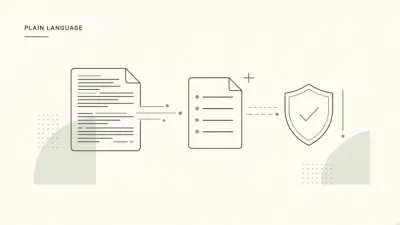

What is PlainLegal?
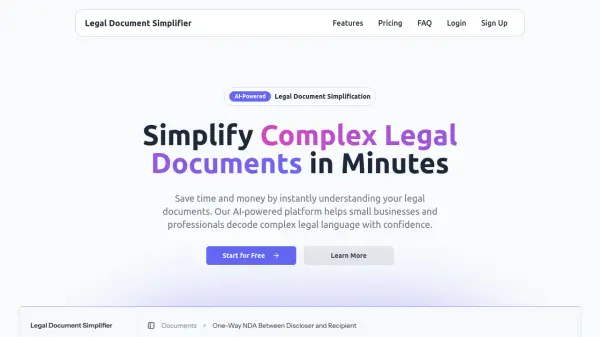
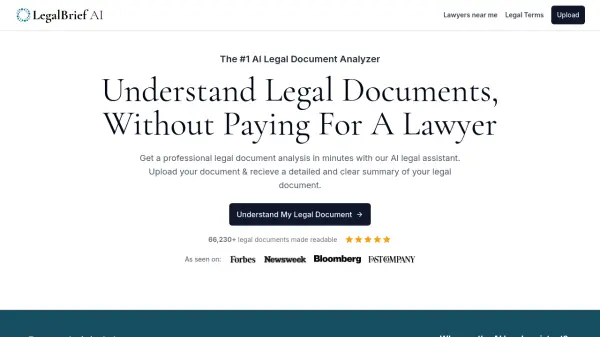
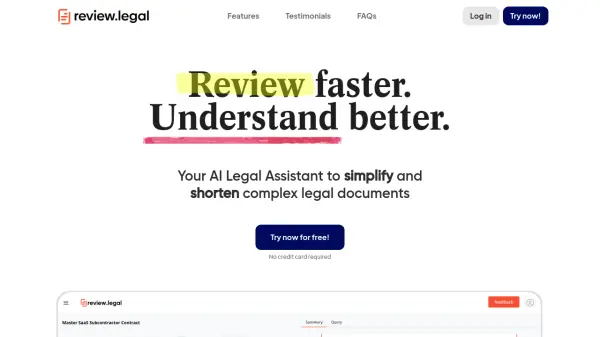
PlainLegal is an AI-powered platform designed to simplify complex legal documents for individuals. Users can upload legal documents such as court letters, eviction notices, debt collection letters, or tax notices, and the tool generates a comprehensive report in plain English. The report includes a summary of the document, actionable steps to take, and an optional response letter template.
The service supports various file formats including PDF, JPG, PNG, and DOCX, with a limit of up to 10 pages per document. It uses AI to automatically detect document types and provide tailored guidance. Processing typically takes 2-5 minutes, and reports are delivered via email with a secure download link. The platform emphasizes data security by deleting documents immediately after analysis.
Features
- Document Analysis: AI-powered review that auto-detects document types and summarizes content in plain English
- Response Templates: Provides draft response letters tailored to the specific legal document uploaded
- Multi-format Support: Accepts PDF, JPG, PNG, and DOCX files up to 10 pages per document
- Fast Processing: Delivers reports within 2-5 minutes via email with secure download links
- Data Security: Processes documents securely and deletes them immediately after analysis
Use Cases
- Understanding debt collection letters and payment demands
- Deciphering eviction notices and rental warnings
- Analyzing IRS tax letters and penalty notices
- Interpreting court summons and legal orders
- Reviewing insurance claim denials and lease disputes
- Clarifying employment warning letters and government fines
FAQs
-
What types of legal documents can PlainLegal analyze?
PlainLegal analyzes common legal and financial documents including debt collection letters, eviction notices, IRS tax letters, court summons, warning letters, and insurance or lease disputes. -
How does PlainLegal ensure the privacy and security of uploaded documents?
PlainLegal processes documents securely and deletes them immediately after analysis, ensuring that user data is never stored. -
What should I do if my uploaded document is blurry or handwritten?
For best results, upload clean, well-scanned documents. Blurry photos or handwritten text may not be fully recognized by the OCR system, so PDF or sharp image files are recommended.