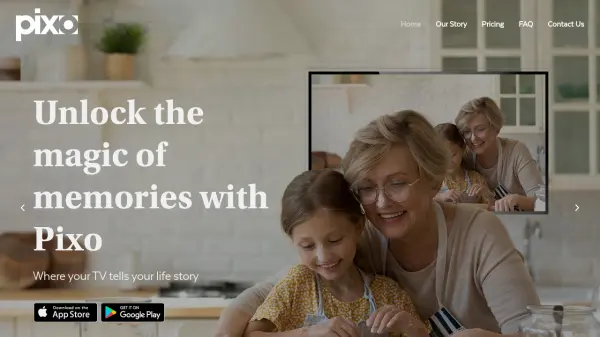


What is pixo.life?
Pixo is a user-friendly mobile app that turns any smart TV into a captivating digital picture frame. With just a few taps on your smartphone, you can display your photo albums, private galleries, and curated art collections directly on your TV screen. The app works seamlessly with popular streaming devices like Roku and Samsung TVs, making it accessible to everyone.
Pixo allows you to create private albums to share exclusively with friends and family, or automatically showcase photos from your existing phone albums. It offers a set-and-forget experience, so your TV displays a beautiful slideshow of memories even when it's not actively being watched. This innovative tool is perfect for both personal use at home and professional applications like digital signage in businesses, schools, and event venues.
Features
- Turn TV into Digital Frame: Display your photo collections on your TV as a screensaver or slideshow when the TV is off.
- Private Albums: Create exclusive albums shared only with selected friends and family.
- Display Existing Phone Albums: Automatically view your existing phone albums on your TV without manual upload.
- Access to Pixo Galleries: Browse and display a variety of art and beautiful photography curated by Pixo.
- Set and Forget: Once set up, Pixo continuously displays photos without any further action.
- Multiple TV Support: Share and manage up to 6 TVs in different locations with a single subscription.
- Unlimited Albums: Show an unlimited number of albums across all connected TVs.
Use Cases
- Display wedding slideshows in real-time at venues and at home for distant family.
- Create a shared family album that updates automatically on grandparents' TV.
- Set the mood in your home with a visual playlist of art and photography.
- Digital signage for businesses, schools, churches, restaurants, and bars.
- Showcase holiday photos during family gatherings without manual switching.
- Keep a rotating display of children's artwork or school photos on the kitchen TV.
FAQs
-
What devices does Pixo support?
Pixo works with smart TVs, Roku sticks, and other streaming devices. It is compatible with Samsung 4K TVs and older TVs with Roku sticks. -
Do I need a subscription to use Pixo?
Pixo offers a free 2-week trial. After the trial, you can choose a paid plan starting at $1.25 per TV per month (yearly) or $1.49 per TV per month (monthly). -
Can I share albums with family members?
Yes, you can create private albums and share them exclusively with friends and family so they can view them on their own TVs. -
Is it possible to display photos from my phone's existing albums?
Yes, Pixo can automatically display photos from your existing phone albums on your TV without any extra steps.