

What is iMediaShare?
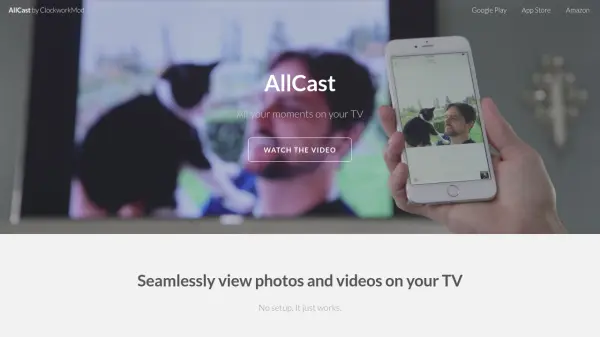
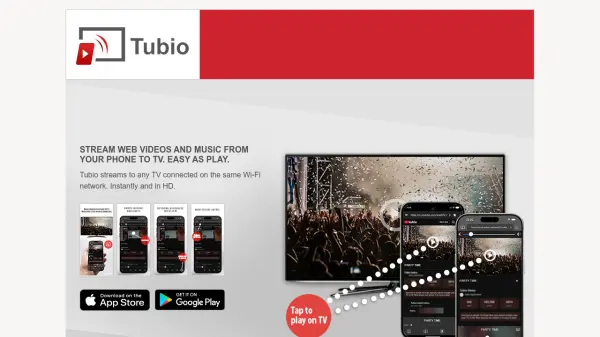
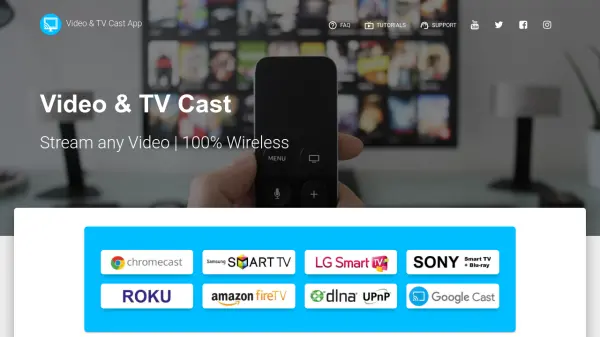
iMediaShare is a mobile application designed to simplify entertainment streaming by allowing users to cast content from their phone or tablet directly to any connected TV screen. The app supports a wide range of media, including movies, music videos, news, sports, fitness classes, and cartoons, making it versatile for various viewing preferences. Users can control playback, adjust volume, and search for content directly from their mobile device, eliminating the need for a remote.
The tool facilitates family-friendly entertainment with easy access to children's shows and family movies, while also enabling social sharing by connecting to TVs at home, friends' houses, or public places like coffee shops. It supports seamless switching between TV and mobile screens without interrupting playback, enhancing convenience for on-the-go usage. iMediaShare integrates with supported media players and offers features like the "Watch on TV" button for publishers, promoting a user-friendly streaming experience.
Features
- Mobile-to-TV Streaming: Cast content from phone or tablet to any connected TV screen with just a tap
- Seamless Playback Switching: Switch between TV and mobile devices without interrupting playback
- Remote Control from Mobile: Adjust volume, control playback, and search content directly from the mobile device
- Family Entertainment Access: Easy discovery and control of children's shows and family movies
- Social Sharing Capability: Connect to TVs at home, friends' houses, or public places for shared viewing
Use Cases
- Streaming movies and videos from a phone to a TV for personal entertainment
- Sharing family-friendly content like children's shows and cartoons on a TV screen
- Watching sports, news, or fitness classes on a larger TV display from a mobile device
- Social viewing of videos with friends by connecting to a TV in various locations
- Taking photos and videos on the go and displaying them on any connected TV