What is PixieBrix?
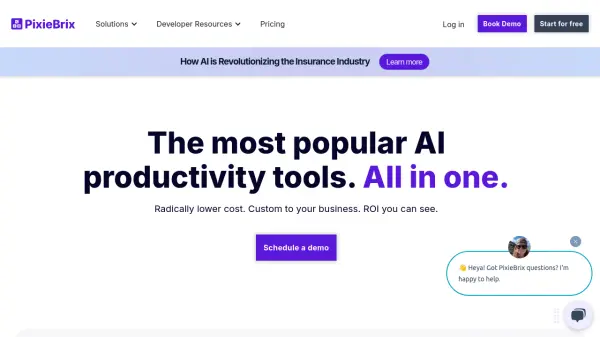
PixieBrix is an enterprise-ready browser extension platform that leverages AI and automation to enhance existing web applications. It enables organizations to streamline workflows, implement AI-powered features, and deliver real-time guidance directly within their existing software tools.
The platform offers extensive customization options through low-code 'bricks', allowing teams to build and deploy custom functionality across their organization. With features like AI copilot, attended automation, and process compliance tools, PixieBrix helps businesses improve productivity while maintaining security and compliance standards.
Features
- AI Integration: Embed AI capabilities into existing workflows and applications
- Low-Code Development: Build custom functionality using pre-built components called bricks
- Real-time Monitoring: Track team performance and capture operational insights
- Enterprise Security: SOC 2 compliant with encryption and advanced security controls
- Workflow Automation: Streamline repetitive tasks and processes
- Cross-platform Integration: Connect with popular business tools and applications
Use Cases
- Customer support workflow optimization
- Employee onboarding and training
- Process compliance monitoring
- Sales and marketing automation
- HR recruitment and talent management
- Business process automation
- Knowledge management
- Digital transformation initiatives
FAQs
-
How long does it take to learn PixieBrix?
You can build your first mod in less than 10 minutes by following the Quick Start Guide. It generally takes users with some low-code experience 1-2 hours for it to feel natural. -
Which browsers does PixieBrix support?
PixieBrix officially supports Google Chrome and is working to add official support for Microsoft Edge. -
Is PixieBrix secure?
PixieBrix is secure by default — browsing data is processed within the browser. Processed data is not transmitted outside unless you optionally create/use a mod that makes third-party API calls.