Pixble Magic favicon

Pixble Magic
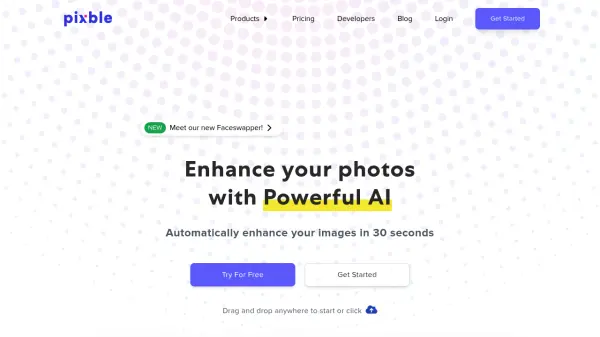
Enhance Your Photos with Powerful AI

What is Pixble Magic?

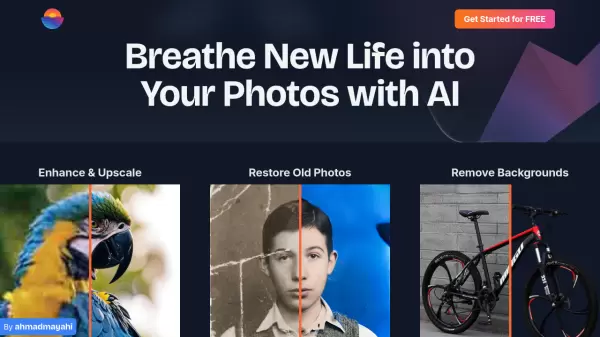
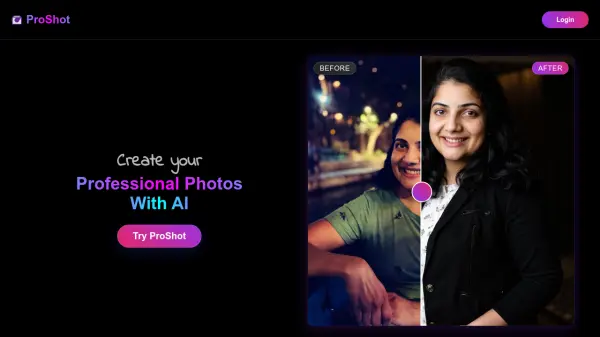
Pixble Magic is an AI-powered photo enhancement tool that automatically improves image quality. It addresses common photographic issues such as poor lighting, inaccurate color representation, noise, and blurriness.

By leveraging a sophisticated AI algorithm trained on over a million images, Pixble Magic delivers professional-quality results in as little as one minute. The service is significantly more cost-effective than traditional photo editing agencies, providing a 95% reduction in cost while maintaining astounding quality.

Features

  • Fix Low-Lit & Overexposed Photos: Automatically corrects images with poor lighting.
  • Reflect True Colors: Adjusts colors to accurately represent the scene.
  • Noise Reduction: Reduces noise in photos without losing detail.
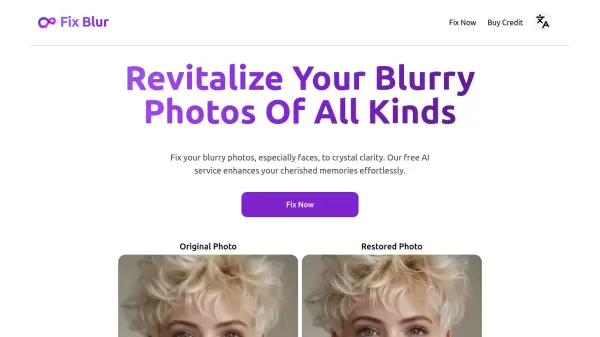
  • Sharpen Blurry Image: Enhances clarity in blurry images.
  • Fast Delivery: Average delivery time is as little as 1 minute.

Use Cases

  • Enhancing marketing materials for social media and blog posts.
  • Improving product photography for eCommerce businesses.
  • Elevating real estate photos to attract buyers or renters.
  • Assisting creative professionals in their photo editing workflow.

FAQs

  • What payment methods do you accept?
    We accept majority of credit cards. (Paypal is coming soon)
  • How long do I need to use my credit?
    Your Pay-as-you-go credit never expires. You can use your credit any time you want.
  • How does Pixble enhance images?
    Combining our expertise in photos editing and state of the art artificial intelligence algorithm, we can product better result than those edited by experts. Our algorithm is created by analysing over a million of different type photos and produce the best and optimized results.
  • What type of images can it work?
    Our algorithm is created by analysing and comparing over a million of different type photos. It works on almost all type of images.
  • How long does it take for enhancement?
    Depending on size of images. It can take 30 seconds to 30 minutes.

Related Queries

Helpful for people in the following professions

Related Tools:

Blogs:

  • Best AI tools for Product Photography

    Best AI tools for Product Photography

    Explore top AI tools that can elevate your product photography, helping you enhance images, streamline workflows, and create professional visuals with ease.

  • Top 6 AI note-taking tools for 2026: in-person, online, and hybrid use cases

    Top 6 AI note-taking tools for 2026: in-person, online, and hybrid use cases

    Most AI note-taking lists are really lists of meeting bots, which join your video call and transcribe it. That's useful, but it's half the picture. Decisions happen in hallway conversations, client dinners, on-site visits, and hybrid rooms where nobody is on a video link. This guide covers different parts of the note-taking workflow: hardware capture for in-person settings, platform-native tools for online calls, and AI layers for organizing and synthesizing what you've captured. It compares six tools by capture context, workflow fit, pricing, and limitations.

  • Best AI tools for recruiters

    Best AI tools for recruiters

    These tools use advanced algorithms and machine learning to automate tasks such as resume screening, candidate matching, and predictive analytics. By analyzing vast amounts of data quickly and efficiently, AI tools help recruiters make data-driven decisions, save time, and identify the best candidates for open positions.

  • Chat with PDF AI Tools

    Chat with PDF AI Tools

    Easily interact with your PDF documents using our advanced AI-powered tool. Whether you're reading lengthy reports, research papers, contracts, or eBooks, our platform lets you chat directly with your PDF files, ask questions, extract insights, and get summaries in real-time.

Didn't find tool you were looking for?

Be as detailed as possible for better results