What is Fix Blur?
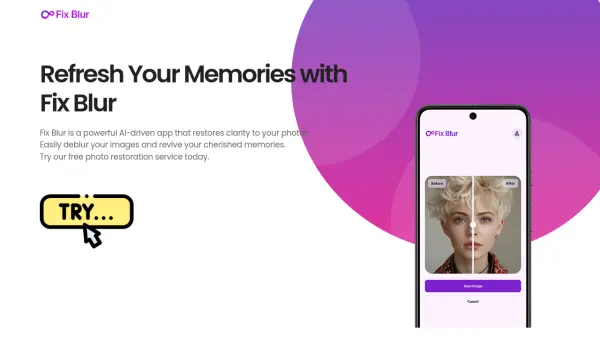
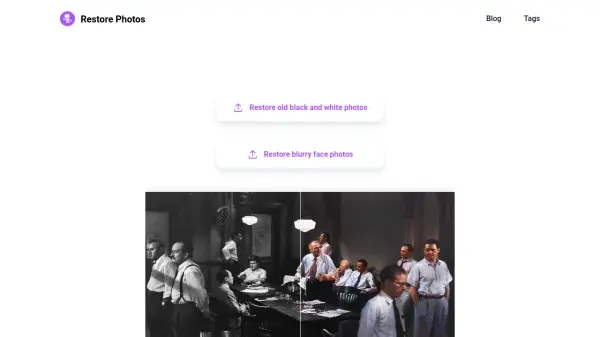
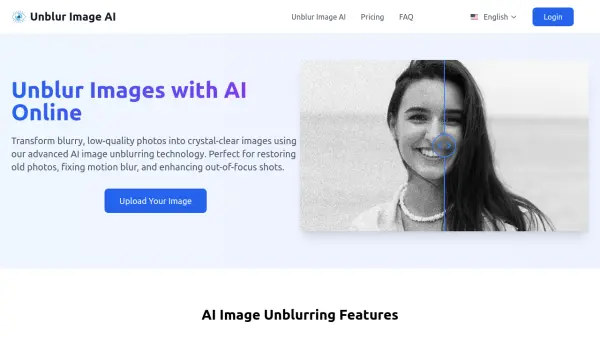
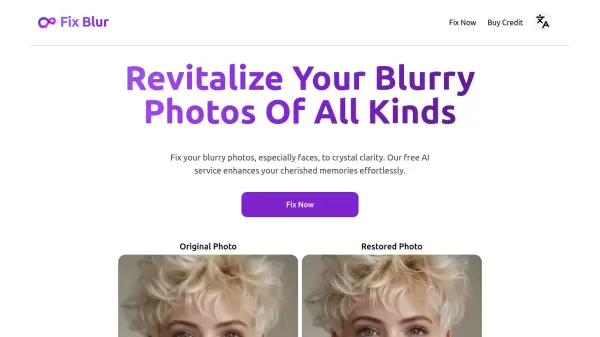
Fix Blur represents a cutting-edge solution in photo restoration technology, employing advanced AI algorithms to transform blurry, unclear images into sharp, crystal-clear photographs. The platform specializes in face restoration while maintaining the ability to enhance various types of photographic content.
The service operates with a user-friendly approach, offering free access to its basic enhancement capabilities while providing additional premium features for users seeking more extensive restoration options. The technology works particularly well with facial features, ensuring that precious memories captured in photographs can be restored to their optimal clarity.
Features
- Photo Enhancement: Advanced AI-powered blur reduction and clarity improvement
- Face Restoration: Specialized algorithms for facial detail enhancement
- Free Service: Basic enhancement features available at no cost
- Multiple Format Support: Accepts various image file formats
Use Cases
- Restoring old family photographs
- Enhancing blurry portrait photos
- Improving unclear digital images
- Salvaging motion-blurred pictures
- Restoring damaged historical photographs
FAQs
-
What formats and max file size do you accept?
The service accepts common image formats, though specific file size limitations apply. Contact support for detailed format specifications. -
How long do you keep uploaded photos?
The duration of photo storage is limited, with specific retention policies in place to protect user privacy. -
Can it fix all photos?
While the service can enhance most blurry photos, results may vary depending on the original image quality and type of blur.