What is PitchMeAI?
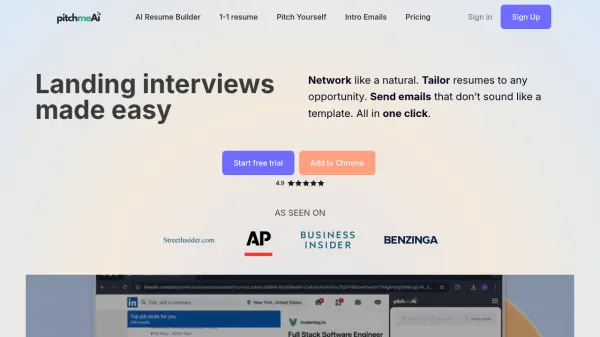
PitchMeAI offers a suite of AI-driven tools to enhance the job search experience. Users can leverage its AI Resume Builder, which uniquely allows creating an ATS-optimized resume from voice input (in 30 seconds), typed information, an existing resume file, or a LinkedIn profile. The platform facilitates networking by enabling users to generate personalized outreach emails for LinkedIn connections with a single click, also finding contact details for direct communication via its extension.
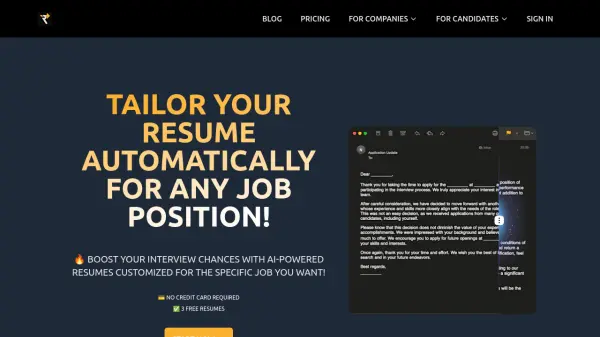
Furthermore, PitchMeAI assists in customizing resumes for specific job openings by incorporating relevant keywords, terms, and skills identified from the job description. It identifies recruiters and hiring managers, even when not explicitly listed, providing their contact information. The tool can then generate tailored introductory emails to these key personnel, helping applications stand out and demonstrating proactivity.
Features
- Voice-to-Resume Builder: Create an ATS-optimized resume from 30 seconds of voice input.
- Resume Tailoring: Automatically adapt resumes with keywords and skills from job descriptions.
- Personalized Email Crafting: Generate tailored outreach and intro emails for LinkedIn contacts and hiring managers.
- Contact Finder: Identify recruiters and hiring managers associated with job posts, including their email addresses.
- Multi-Input Resume Creation: Build resumes from typed info, file uploads, or LinkedIn profiles.
- Chrome Extension: Access features directly on LinkedIn, Indeed, and other job sites.
Use Cases
- Quickly creating ATS-optimized resumes for job applications.
- Tailoring resumes to specific job requirements automatically.
- Networking effectively on LinkedIn with personalized outreach emails.
- Identifying and contacting recruiters or hiring managers directly.
- Streamlining the job application process across various platforms.
- Standing out to potential employers with proactive intro emails.
FAQs
-
How do I use the PitchMeAI Chrome extension?
After installing, go to a webpage with a job description (like LinkedIn or Indeed) and click the PitchMeAI button/widget. You can sign in or create an account directly from the extension. -
Does PitchMeAI work on websites other than LinkedIn or Indeed?
Yes, the personalized resume and intro email features work on all websites. -
Can PitchMeAI find the hiring manager if they aren't listed on the job description?
Yes, the tool is designed to uncover hiring managers and their contact details even if they are not mentioned in the job post. -
Is the Voice-to-Resume builder free?
Yes, the resume builder itself is free. Creating an account is required to edit or download the resume. -
How can I cancel my PitchMeAI subscription?
To cancel your subscription, access the Menu from the extension, navigate to 'Your plan', and select 'Cancel subscription'.