What is PhotoGlory?
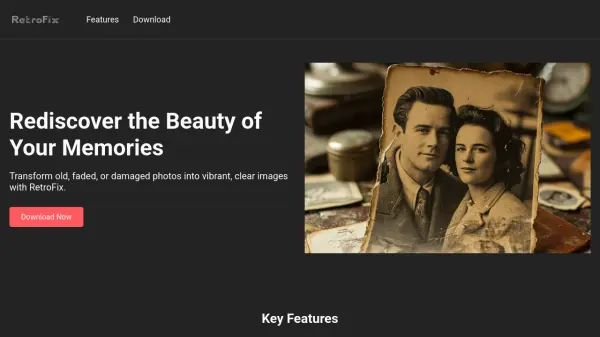
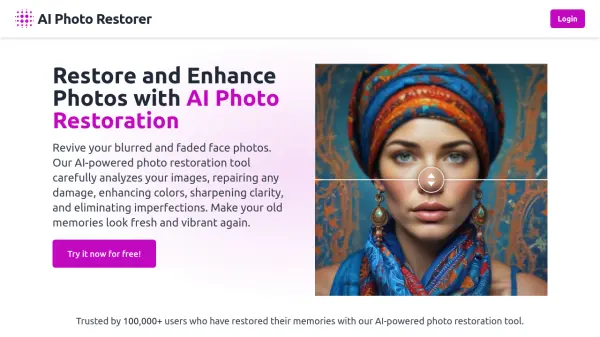
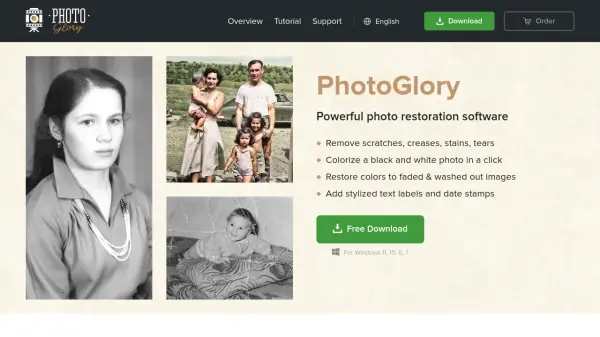
This software provides an effective solution for reviving family archives and restoring damaged photographs. It allows users to easily remove common defects such as scratches, creases, stains, and tears from old pictures. The tool features capabilities to enhance image quality by restoring clarity, contrast, and saturation, bringing life back to faded or washed-out images.
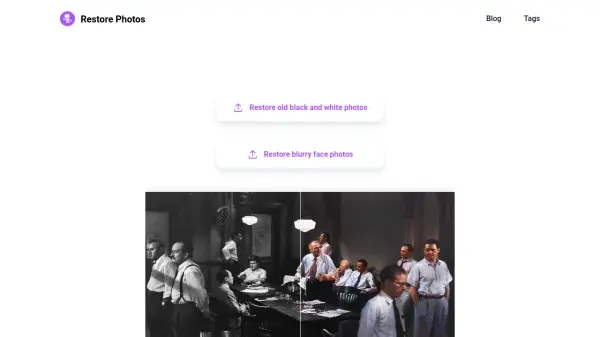
It incorporates functionality to automatically colorize black and white photos with a single click, while also offering manual controls for precise color adjustments. Additionally, the software can straighten tilted pictures, crop damaged edges, convert negatives into positives, and even assemble photos that have been ripped in half. Users can further stylize their restored images using built-in effects, text labels, and date stamps.
Features
- Defect Removal: Remove scratches, creases, stains, and tears from old photos.
- Auto & Manual Colorization: Colorize black and white photos automatically with one click or manually adjust colors.
- Color Restoration: Restore clarity, contrast, saturation, and fix faded or washed-out colors.
- Photo Enhancement: Straighten tilted pictures, crop damaged edges, and enhance with 100+ built-in effects.
- Negative Conversion: Convert negative images into positive digital photos.
- Photo Assembly: Digitally piece together photos that have been ripped in half.
Use Cases
- Reviving family archives and old photographs.
- Repairing damaged historical photographs (e.g., war photos).
- Creating restored images for family trees or photo albums.
- Colorizing black and white portraits, wedding photos, or historical images.
- Digitizing and restoring negatives.
- Starting a professional photo restoration service.
FAQs
-
What operating systems is PhotoGlory compatible with?
PhotoGlory runs on Windows 11, 10, 8, and 7. -
Can PhotoGlory automatically colorize black and white pictures?
Yes, PhotoGlory offers automatic colorization with a single click, plus manual controls for adjustments. -
Is PhotoGlory difficult to use for someone without experience?
No, PhotoGlory is designed with an intuitive interface and semi-automatic workflow, making it suitable for both beginners and professionals in photo restoration. -
What kind of damage can PhotoGlory repair on old photos?
PhotoGlory can remove scratches, creases, stains, tears, and repair washed-out colors. It can also fix tilted images and crop damaged edges. -
Does PhotoGlory offer any creative effects?
Yes, PhotoGlory includes over 100 built-in effects to enhance retro photos and provides options to add stylized text labels or date stamps.