What is pfp.fm?
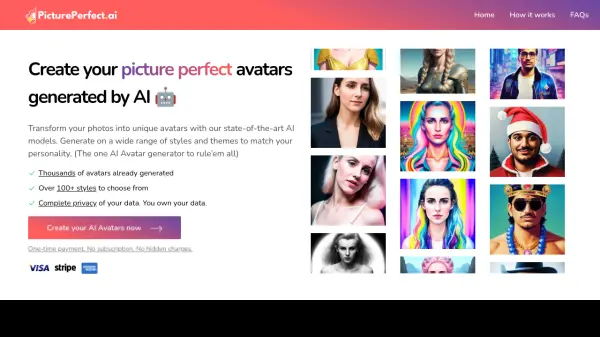
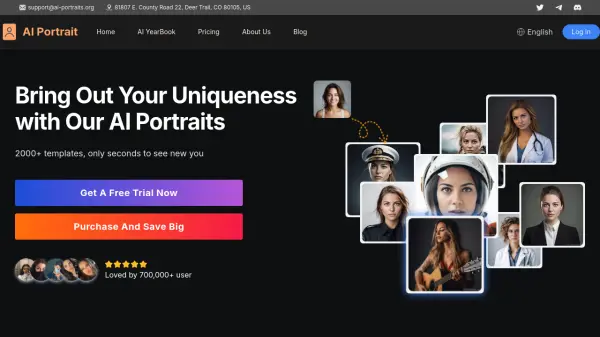
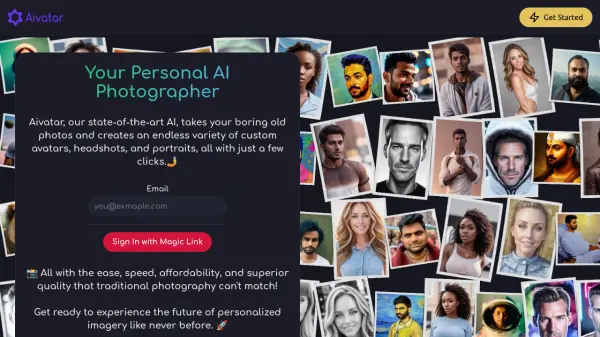
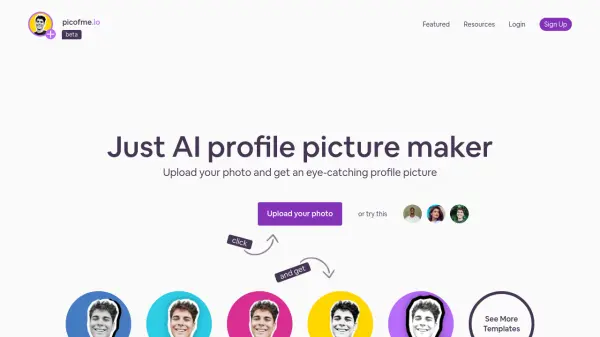
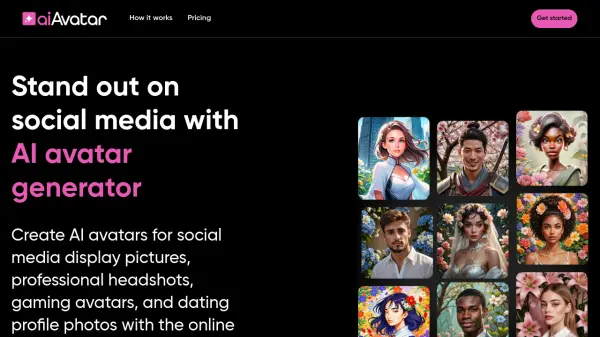
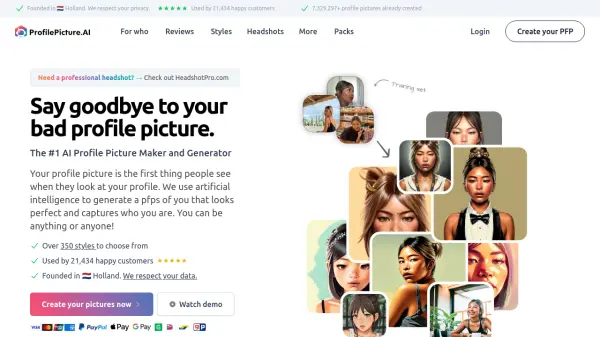
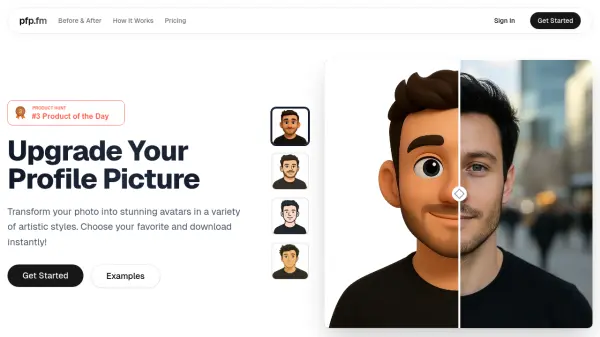
pfp.fm offers a seamless way to upgrade your profile picture using AI-driven photo transformation technology. Users can upload a well-lit, front-facing photograph and choose from a diverse range of artistic styles, including 3D renders, anime, cartoons, and sketches. The powerful AI instantly creates a high-resolution avatar that preserves the user's unique features while providing a visually stunning and creative interpretation.
The process is quick, with each generation taking about sixty seconds, and the results are available for immediate download with transparent backgrounds. Simple and affordable pricing lets users purchase individual or bundled avatar generations, making it easy to refresh profile pictures across social platforms.
Features
- AI Photo Transformation: Instantly turns personal photos into artistic avatars.
- Multiple Artistic Styles: Offers curated styles such as 3D renders, anime, cartoons, and sketches.
- High-Resolution Output: Provides high-quality avatar downloads with transparent backgrounds.
- Fast Processing: Generates avatars in approximately 60 seconds.
- Instant Download: Avatars are available for immediate use upon generation.
Use Cases
- Creating unique social media profile pictures.
- Upgrading professional or gaming avatars.
- Generating custom images for messaging apps.
- Enhancing personal branding visuals.