Pezzo favicon

Pezzo
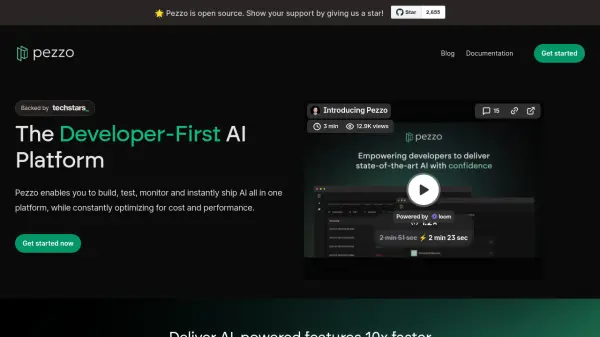
The Developer-First AI Platform

What is Pezzo?

An advanced developer platform designed to streamline AI implementation and management workflows. The platform combines essential tools for prompt management, version control, and real-time monitoring into a unified solution.

The system provides comprehensive observability features for tracking AI operations, enabling teams to optimize for both cost and performance while facilitating seamless collaboration. With instant deployment capabilities and integrated troubleshooting tools, it significantly reduces development time and debugging efforts.

Features

  • Prompt Management: Version control and instant production deployment
  • Observability: Real-time monitoring of AI operations
  • Troubleshooting: Real-time prompt execution inspection
  • Collaboration Tools: Team synchronization for AI feature delivery
  • Quick Integration: Simple code implementation process
  • Version Control: Track and manage prompt versions
  • Cost Optimization: Monitor and optimize AI spending
  • Performance Tracking: Track and analyze AI operation metrics

Use Cases

  • Managing AI prompts across development teams
  • Monitoring AI operation costs and performance
  • Debugging AI implementations
  • Collaborative AI feature development
  • Streamlining AI deployment processes
  • Version control for AI prompts

FAQs

  • How long does it take to integrate Pezzo into existing projects?
    According to the platform, it takes just a few lines of code and about one minute to get started with Pezzo integration.
  • Is Pezzo open source?
    Yes, Pezzo is an open-source platform that welcomes community support and contributions.

Helpful for people in the following professions

Related Tools:

Blogs:

  • Top AI tools for Teachers

    Top AI tools for Teachers

    Explore the top AI tools designed for teachers, revolutionizing the education landscape. These innovative tools leverage artificial intelligence to enhance teaching efficiency, personalize learning experiences, automate administrative tasks, and provide valuable insights, empowering educators to create engaging and effective educational environments.

  • Top 6 AI note-taking tools for 2026: in-person, online, and hybrid use cases

    Top 6 AI note-taking tools for 2026: in-person, online, and hybrid use cases

    Most AI note-taking lists are really lists of meeting bots, which join your video call and transcribe it. That's useful, but it's half the picture. Decisions happen in hallway conversations, client dinners, on-site visits, and hybrid rooms where nobody is on a video link. This guide covers different parts of the note-taking workflow: hardware capture for in-person settings, platform-native tools for online calls, and AI layers for organizing and synthesizing what you've captured. It compares six tools by capture context, workflow fit, pricing, and limitations.

  • Best AI tools for Room Design

    Best AI tools for Room Design

    Discover cutting-edge AI tools that redefine the art of room design. From layout optimization to aesthetic finesse, these top-tier tools enhance your space to new heights.

Didn't find tool you were looking for?

Be as detailed as possible for better results