What is PeerSuite?
PeerSuite is a comprehensive collaborative workspace designed to facilitate real-time teamwork through integrated communication and productivity tools. It provides a unified platform where users can create or join workspaces, enabling seamless interaction across various channels.
The tool features AI-powered functionalities such as collaborative whiteboarding, Kanban boards for task management, and document editing with real-time synchronization. Users can engage in video and audio chats, share screens, and manage projects efficiently within a secure workspace environment.
Features
- Real-Time Collaboration: Simultaneous editing and interaction across whiteboard, documents, and Kanban boards
- Integrated Communication: Combined chat, video calls, audio calls, and screen sharing in one platform
- Workspace Management: Create, join, import, and export workspaces with password protection
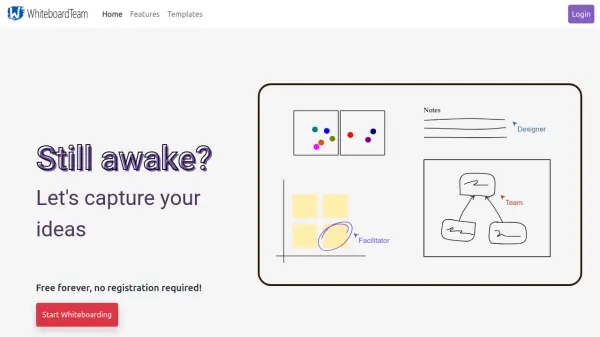
- Productivity Tools: Kanban board for task tracking, collaborative documents with formatting options, and whiteboard with drawing tools
- Customizable Settings: Adjust username, audio settings, push-to-talk hotkeys, and video preferences
Use Cases
- Remote team meetings with shared whiteboarding and document collaboration
- Project management using Kanban boards and real-time task updates
- Educational sessions with interactive screen sharing and chat features
- Brainstorming sessions using collaborative drawing and text tools on the whiteboard
- Document co-authoring with simultaneous editing and version control