

What is PDF Translator & Editor?
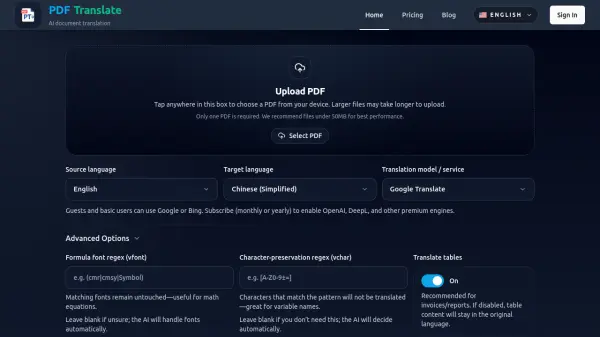
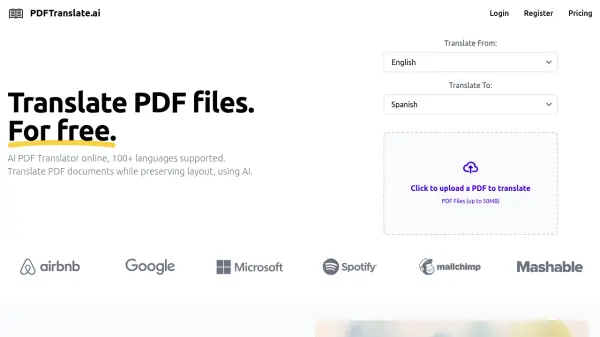
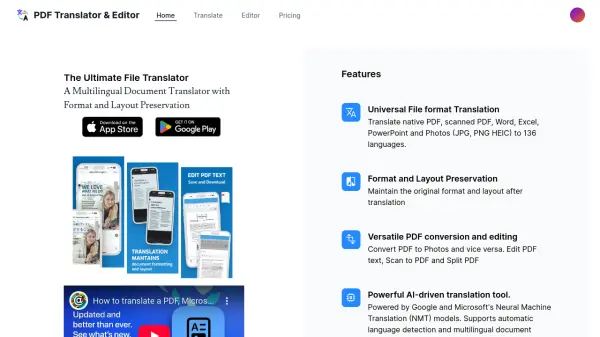
This versatile tool provides universal file format translation, supporting native and scanned PDFs, Word, Excel, PowerPoint, and various image formats (JPG, PNG, HEIC). It accurately translates documents into 136 languages, ensuring seamless communication across different linguistic backgrounds. Powered by Google and Microsoft's Neural Machine Translation (NMT) models, it delivers high-quality translations while maintaining the document's original formatting and layout.
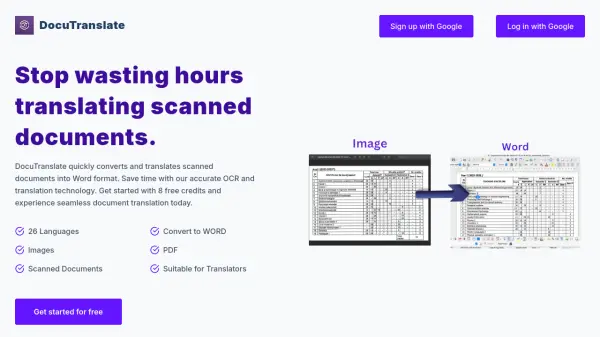
In addition to translation, the software facilitates convenient PDF conversions and editing, such as PDF to Photo conversion, Photo to PDF, PDF text editing, Scan to PDF, and Split PDF capabilities. There are no limitations on file size or page count, and offers translation within other application via share extention.
Features
- Universal File format Translation: Translate native PDF, scanned PDF, Word, Excel, PowerPoint and Photos (JPG, PNG HEIC) to 136 languages.
- Format and Layout Preservation: Maintain the original format and layout after translation.
- Versatile PDF conversion and editing: Convert PDF to Photos and vice versa. Edit PDF text, Scan to PDF and Split PDF.
- Powerful AI-driven translation tool: Powered by Google and Microsoft's Neural Machine Translation (NMT) models. Supports automatic language detection and multilingual document translation.
- Global User Base: Trusted by users from 200+ countries and regions. Over 250K users and counting.
- Unlimited access: No file size limits, no page limits.
- Translate from any app: Translate from any app using the share extension.
Use Cases
- Translating legal documents while preserving formatting
- Converting PDF reports to editable Word documents for international teams
- Translating presentations for global audiences
- Localizing marketing materials
- Converting scanned documents into various languages