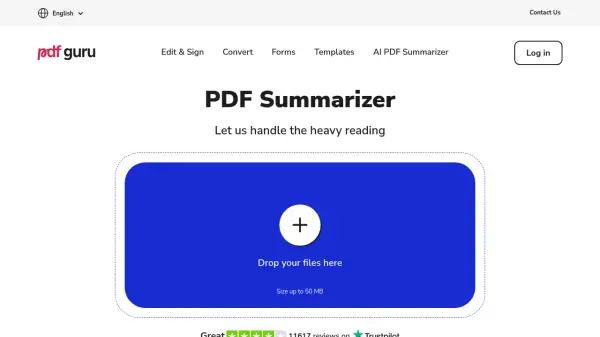
What is PDF Guru AI PDF Summarizer?
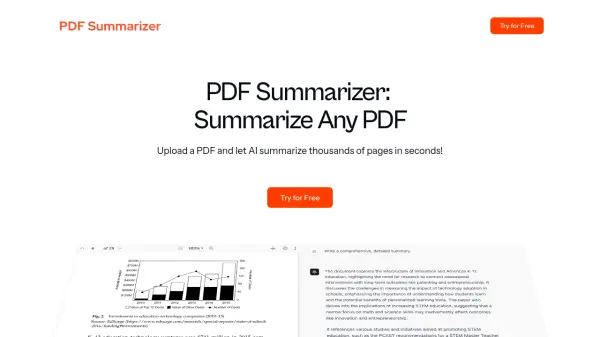
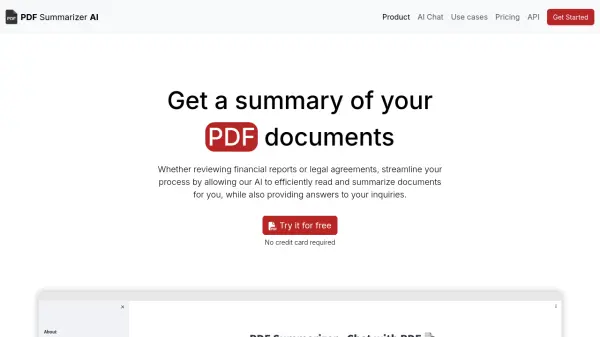
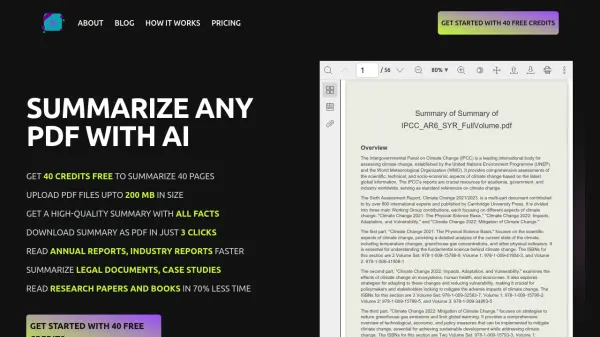
PDF Guru's AI PDF Summarizer is an advanced online tool designed to extract and condense key information from PDF documents. The platform utilizes artificial intelligence to analyze PDF content and generate accurate, comprehensive summaries, making it easier for users to grasp essential information without reading entire documents.
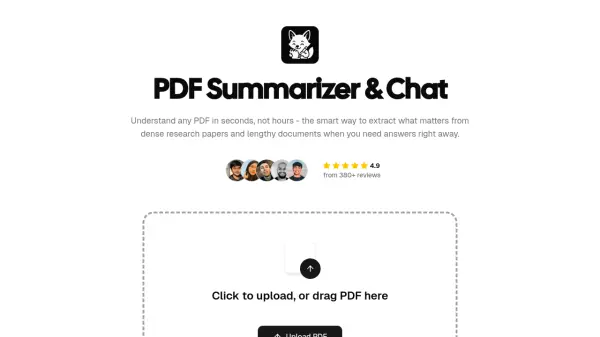
The tool stands out with its multilingual capabilities, supporting over 90 languages, and features an interactive AI chat function that allows users to ask questions, translate content, and explore specific aspects of their documents. The platform ensures secure document handling through HTTPS encryption and is verified by Google Safe Browsing, making it a reliable choice for professional and academic use.
Features
- Free Trial Access: First summary and three chat questions free
- Multilingual Support: Compatible with 90+ languages
- AI Chat Integration: Interactive Q&A with PDF content
- Secure Processing: HTTPS encryption and Google Safe Browsing verification
- File Size Support: Handles PDFs up to 50MB
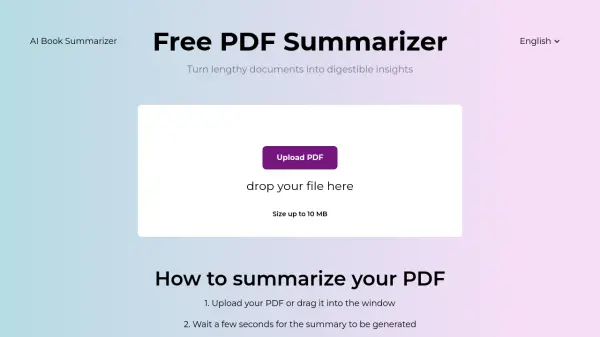
- Easy Interface: Simple drag-and-drop functionality
- Instant Processing: Quick summary generation
- Study Tools: Notes maker functionality for exam preparation
Use Cases
- Summarizing academic papers and research documents
- Creating study notes from textbooks
- Analyzing business reports quickly
- Processing multilingual documents
- Extracting key information from long PDFs
- Preparing exam study materials
- Quick document review for professionals
How It Works
Upload PDF
Click the + button or drag & drop your PDF file into the upload area.
AI Analysis
Wait a few seconds while our AI PDF reader analyzes the document.
Interact with Summary
Once you have your summary, you can use the AI chat to translate, simplify, rephrase, or extract key information from the text.
FAQs
-
Can AI summarize a PDF file?
Yes, by uploading your document to the PDF AI Summarizer, it will scan through it, extract the key points, and provide a clean, simple summary in seconds, with no technical skills required. -
How to analyze PDF using AI?
Simply scroll to the top of the page, click the + button or drag your PDF into the upload box, wait for the AI to process it, and then review your summary and ask follow-up questions in the chat. -
Is it safe to use a PDF summarizer?
Yes, the tool is completely safe, using HTTPS encryption and trusted security protocols to protect files during upload and processing, and is verified by Google Safe Browsing. -
In what languages can I chat with PDF?
The PDF analyzer supports over 90 languages and counting, with no language limitations.