What is PANOVOLO?
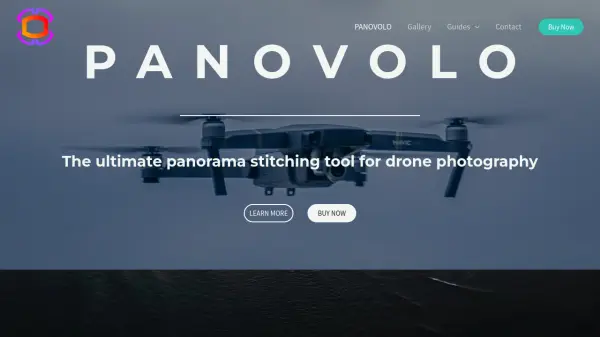
PANOVOLO is a specialized panorama stitching tool designed primarily for drone photography, offering seamless integration with popular drone models and other camera types including DSLRs, mirrorless cameras, and smartphones. The software processes images in DNG (RAW), TIFF, or JPEG formats, utilizing advanced image analysis and processing to deliver professional-quality results with reliable stitching performance.
It enables the creation of interactive 360° spherical panoramas suitable for social media, virtual reality, and mapping applications, with features like automatic gap filling in the sky and horizon straightening. PANOVOLO operates locally on Windows and macOS without requiring cloud services or subscriptions, ensuring user privacy and data security.
Features
- One-Click Stitching: Creates panoramas quickly with automated processing
- Multi-Format Support: Handles DNG (RAW), TIFF, and JPEG images for professional results
- 360° Spherical Panoramas: Produces seamless panoramas ready for interactive viewers and VR
- Automatic Gap Filling: Fills zenith gaps in drone-captured panoramas automatically
- Batch Mode: Stitches panoramas from multiple folders using predefined settings automatically
- Horizon Straightening: Automatically corrects curved horizons from drone camera angles
- Local Processing: All image processing is done on the user's computer without cloud uploads
- 3D Map Review: Visualizes drone position and orientation for each image in a panorama
Use Cases
- Creating 360° panoramas for virtual reality experiences
- Producing interactive panoramas for social media sharing
- Stitching drone photos for mapping and surveying applications
- Generating professional-quality panoramas for photography projects
- Batch processing multiple panorama sets from drone SD cards