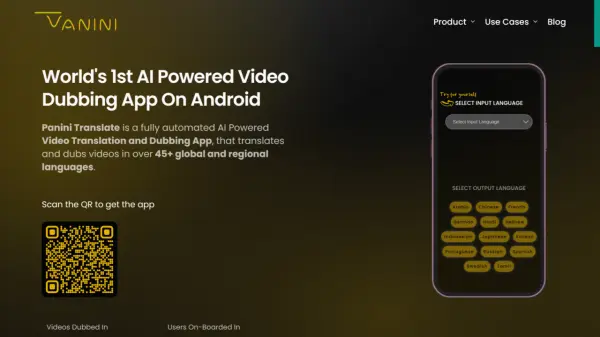

What is Panini Translate?
Panini Translate is a fully automated, AI-powered video translation and dubbing application. It is designed to translate and dub videos into more than 45 global and regional languages.
The application allows users to easily localize and globalize their video content. Panini Translate automatically generates subtitles, providing a comprehensive solution for video translation needs.
Features
- Video Translation: Translate videos into over 45 languages.
- AI-Powered Dubbing: Fully automated dubbing with human-like voice.
- Subtitle Generation: Automatically generates subtitles for translated videos.
- Video Library: Organize, access, and share translated videos.
- Multi-Language Support: Supports a wide range of global and regional languages.
Use Cases
- Localizing training videos for educational initiatives.
- Translating marketing videos for global audiences.
- Dubbing videos for entertainment purposes.
- Creating multilingual content for YouTube channels.
- Facilitating communication in underprivileged communities through translated videos.
- Sharing videos across the web.
FAQs
-
What is Panini Translate?
Panini Translate is a fully automated AI Powered Video Translation and Dubbing App, that translates and dubs videos in over 45+ global and regional languages. -
What are the pricing plans offered by Panini Translate?
Panini Translate offers Free, Paid and Custom plans. The Free plan includes a 30-minute trial, 2 free dubs, and 2 free downloads. Paid plans offer unlimited dubs and downloads, along with watermark removal. Custom plans are available for bulk dubbing needs.