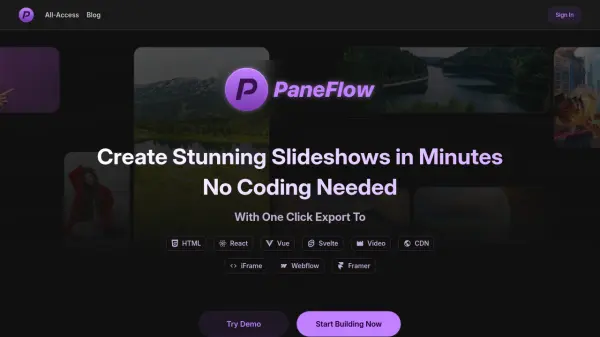
What is PaneFlow?
PaneFlow is a visual editor designed for effortless slideshow and presentation creation without requiring any coding expertise. Featuring an intuitive drag-and-drop interface, it empowers users to build engaging, animated presentations swiftly, starting from beautifully crafted templates and leveraging a flexible grid system. Users can easily add and manage text, images, backgrounds, and videos, as well as apply stunning transitions and reusable blocks for efficient design workflows.
PaneFlow stands out by allowing seamless export of projects as standalone HTML files or as components compatible with React, Vue, and Svelte frameworks. Additionally, projects can be published directly to a CDN or embedded in Webflow and Framer, ensuring maximum versatility and distribution options. With a lifetime, one-time payment model, PaneFlow provides unlimited access to all features, future updates, and free template additions, making it a cost-effective solution for creators seeking professional presentations without recurring fees.
Features
- Drag-and-Drop Visual Editor: Simple interface to build and arrange slides without code.
- Template Library: Start projects quickly using professionally designed layouts.
- Export to Code: Generate HTML, React, Vue, or Svelte components from slideshows.
- CDN Publishing: One-click publishing and embedding of presentations online.
- Content Editor: Manage elements, transitions, and styles from a unified panel.
- Built-in Content Types: Quickly add text, images, videos, and backgrounds.
- Smart Block Reuse: Reuse design blocks across multiple presentation panes.
- Instant Preview: See animated transitions and layouts in real-time.
- One-Time Payment: Lifetime access with no recurring subscription fees.
- Ongoing Free Updates: All future enhancements included at no extra cost.
Use Cases
- Creating product launch slides for marketing campaigns.
- Designing visually appealing online portfolios and project showcases.
- Building step-by-step instructional presentations for educators.
- Developing dynamic testimonial and case study slideshows.
- Exporting ready-to-use code components for frontend development projects.
- Publishing media-rich Instagram stories or social media content.
- Collaborating on project pitches or proposals with reusable animation blocks.
- Embedding interactive presentations on websites built with Webflow or Framer.