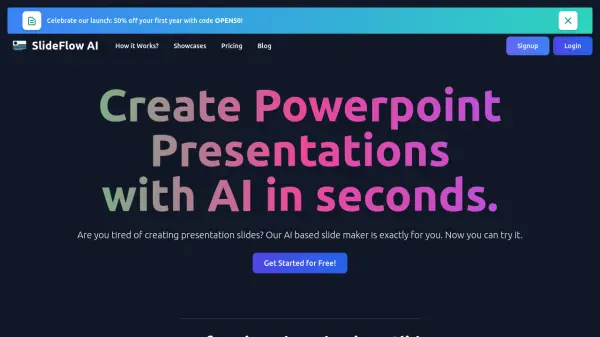
What is SlideFlow AI?
SlideFlow AI simplifies the presentation creation process. Users can input their ideas directly or paste them from external sources, then refine the content with the Magic Writer feature. The platform offers a vast library of backgrounds to enhance the presentation's message and tone. Finally, the platform facilitates a final review allowing the user to make some last minute adjustments if needed.
Features
- Dashboard: Input ideas directly or paste from external sources.
- Magic Editor: Refine content and add to it with the Magic Writer feature.
- Background Library: Choose from a vast library of backdrops.
- Multi-Language Support: Available in 85+ languages.
- Export Presentations: Ability to export finished presentations.
Use Cases
- Creating presentations for business meetings
- Developing educational lectures and course materials
- Preparing slides for marketing and sales pitches
- Designing presentations for startup pitches
FAQs
-
What languages does SlideFlow AI support?
SlideFlow AI supports over 85 languages. -
Can I customize the slides created by SlideFlow AI?
Yes, you can customize slides using the Magic Editor and background library. -
Can I export the presentations created by SlideFlow AI?
Yes, SlideFlow AI allows you to export your presentations. -
How long can I store my presentations on SlideFlow AI?
Storage time varies depending on your plan: 72 hours for Basic, 1 week for Pro, and 1 month for Premium.