What is AiPPT?
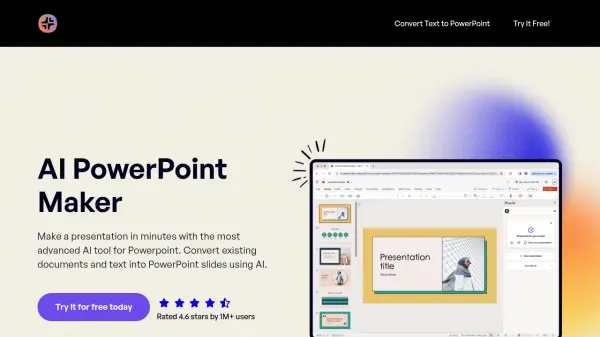
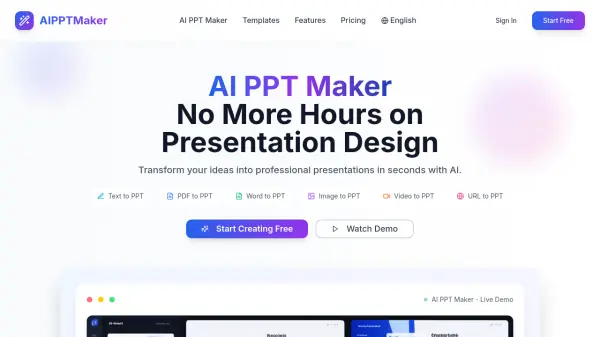
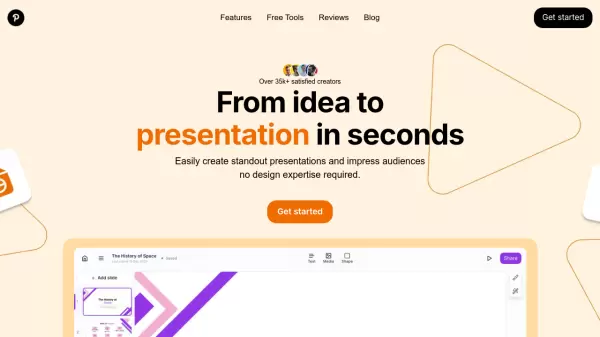
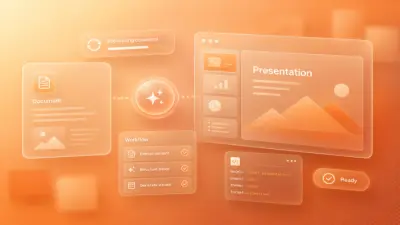
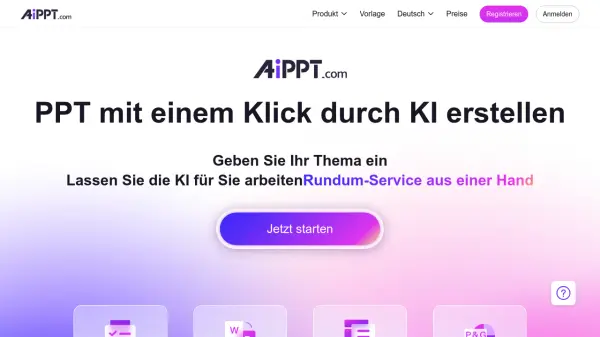
AiPPT is an AI-powered presentation tool designed to simplify and streamline the creation process. It allows users to generate complete presentations with a single click, transforming ideas and documents into engaging slides.
The platform supports both PowerPoint and Google Slides, providing a wide range of elegant templates. By leveraging AI, AiPPT handles tasks such as outline generation and content structuring, significantly reducing the time and effort traditionally required for presentation design.
Features
- Auto-generate Presentation Outlines: Automatically creates presentation outlines based on user input.
- Transform Documents to Presentation Slides: Converts documents in various formats, including Word, into PowerPoint or Google Slides.
- Elegant Presentation Templates: Offers a wide selection of pre-designed templates.
- PowerPoint & Google Slides Support: Compatible with both PowerPoint and Google Slides.
- One-Click Creation: Generates presentations from just a title with a single click.
Use Cases
- Creating presentations for sales pitches.
- Developing educational courseware.
- Preparing project presentations for investors.
- Generating reports for class presentations.
- Quickly creating marketing presentations.