
pally favicon

pally
Build stronger relationships with those that matter.

What is pally?

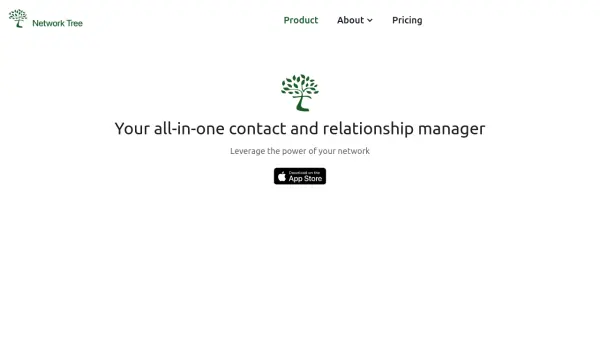
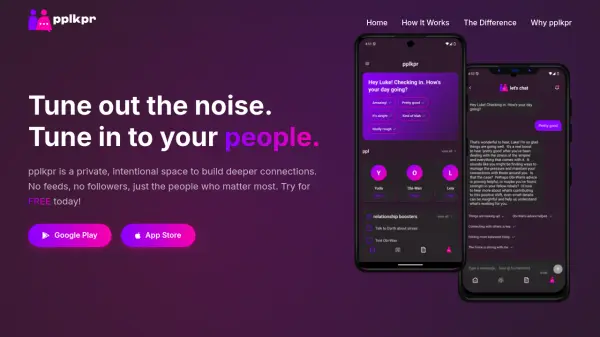
Pally is designed to enhance networking and relationship management by consolidating a user's connections from various social platforms into a single interface. It employs artificial intelligence to analyze user goals and identify the most important contacts within their network.

The tool aims to facilitate stronger relationship building by focusing efforts on these key individuals. By bringing together disparate social connections and leveraging AI for prioritization, Pally assists users in becoming more effective connectors and nurturing the relationships that are most significant to their objectives.

Features

  • Social Connection Aggregation: Brings together connections from various social platforms.
  • AI-Powered Contact Prioritization: Uses AI to understand user goals and identify important contacts.
  • Relationship Building Assistance: Helps users focus on and strengthen relationships with key individuals.

Use Cases

  • Enhancing professional networking efforts.
  • Strengthening personal relationships across social platforms.
  • Identifying key contacts based on personal or professional goals.
  • Centralizing social contact management.

Related Tools:

Blogs:

  • Best AI tools for Product Photography

    Best AI tools for Product Photography

    Explore top AI tools that can elevate your product photography, helping you enhance images, streamline workflows, and create professional visuals with ease.

  • Best text to speech AI tools

    Best text to speech AI tools

    Text-to-speech (TTS) AI tools are designed to convert written or text-based content into natural-sounding spoken audio. These tools utilize various deep learning and neural network architectures to generate human-like speech from textual input.

  • Top 6 AI note-taking tools for 2026: in-person, online, and hybrid use cases

    Top 6 AI note-taking tools for 2026: in-person, online, and hybrid use cases

    Most AI note-taking lists are really lists of meeting bots, which join your video call and transcribe it. That's useful, but it's half the picture. Decisions happen in hallway conversations, client dinners, on-site visits, and hybrid rooms where nobody is on a video link. This guide covers different parts of the note-taking workflow: hardware capture for in-person settings, platform-native tools for online calls, and AI layers for organizing and synthesizing what you've captured. It compares six tools by capture context, workflow fit, pricing, and limitations.

Didn't find tool you were looking for?

Be as detailed as possible for better results