
What is Network Tree?
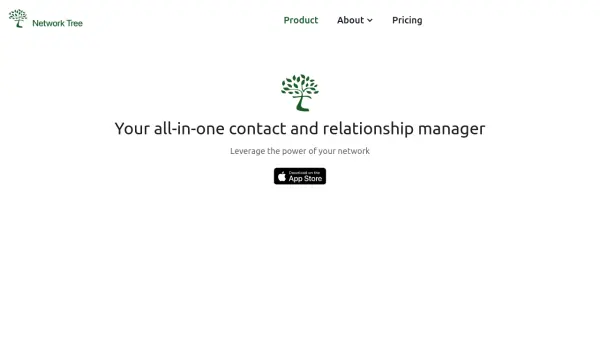
Network Tree provides a comprehensive solution for managing personal and professional contacts, leveraging AI technology to improve outreach and relationship-building. The tool enables users to categorize contacts with tags, store detailed records of interactions, and set reminders for important dates or follow-ups.
With AI-powered suggestions for crafting personalized networking messages, Network Tree streamlines engagement and fosters stronger connections. The platform supports secure data storage and easy import of contacts, aiming to help users stay organized, remember past conversations, and nurture meaningful professional relationships.
Features
- AI-Powered Message Suggestions: Automates creation of personalized outreach messages.
- Contact Organization: Tag and categorize contacts into customizable groups.
- Notes and Interaction History: Store detailed interaction records for tailored follow-ups.
- Reminders and Notifications: Set alerts for key events and follow-up activities.
- Secure Data Storage: Advanced encryption and compliance with data protection regulations.
- Easy Contact Import: Supports login and data import via Google or Apple ID.
Use Cases
- Managing business networking contacts and follow-ups.
- Staying organized for career and job-search networking.
- Tracking and remembering personal connections and interactions.
- Setting reminders for important dates with clients or colleagues.
- Personalizing outreach to improve engagement with new connections.
FAQs
-
What is Network Tree?
Network Tree is a personal networking productivity platform that helps individuals manage personal relationships and networks, track interactions, set reminders, and organize contact information efficiently. -
How do I import contacts into Network Tree?
You can import contacts by logging in with either Google or Apple ID and following the on-screen instructions during the login process. -
Is my data secure within Network Tree?
Data privacy and security is a top priority, with advanced encryption methods for storage and transfer and compliance with relevant data protection regulations. -
How can I set reminders for follow-ups with contacts?
Go to a contact's profile, select 'Add Reminder,' choose the date and type of reminder, and receive notifications as scheduled. -
How do I customize the grouping of my contacts?
You can customize your contact groups by visiting the Communities page and adding, editing, or deleting categories to suit your needs.