What is Pagecloud?
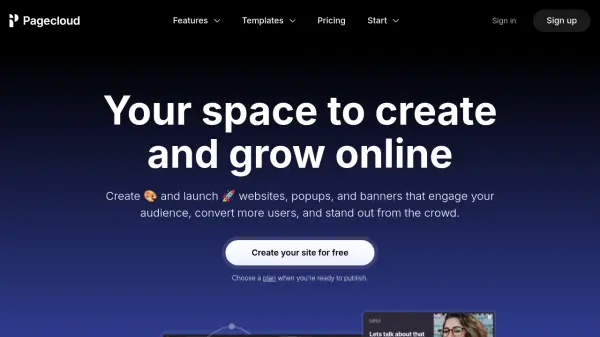
Pagecloud is an intuitive website builder designed for creating and managing websites, popups, and banners without needing coding skills. It empowers users to establish a strong online presence by offering total design freedom, allowing for unique brand representation and differentiation from competitors. Users can start with a template and customize every aspect to match their vision.
The platform includes built-in tools for optimizing performance and driving conversions. Features like privacy-first analytics track visits, clicks, and form submissions, while lead capture tools and custom forms help engage audiences and convert users. Pagecloud also integrates AI to assist with writing and refining website and blog content, alongside SEO tools and numerous app integrations to enhance functionality and streamline workflows for various users, including small businesses, marketers, and agencies.
Features
- No-code Website Builder: Create custom websites without writing code.
- Popup Builder: Design and implement popups like exit-intents, modals, and banners.
- AI Content Tools: Write, refine, and edit website and blog copy using AI.
- Advanced Analytics: Track website performance (visits, clicks, form submissions) with privacy-first analytics.
- E-commerce Functionality: Build custom storefronts, manage inventory, and sell products/services.
- Customizable Templates: Start with templates for websites, landing pages, popups, and customize everything.
- SEO Tools: Optimize content for search engines, including keyword research integration (Semrush).
- Form Builder: Create custom forms for lead capture.
- App Integrations: Connect with over 100 apps.
- Team Collaboration: Invite and manage team members for collaborative projects.
Use Cases
- Building professional websites for small businesses.
- Creating landing pages for marketing campaigns.
- Designing popups and banners to boost engagement and conversions.
- Launching online stores for e-commerce.
- Developing websites for agencies to manage client projects.
- Establishing an online presence for professional services.
- Crafting link-in-bio pages for social media profiles.
- Using AI to generate and refine website content and blog posts.
FAQs
-
Can I use my own domain name?
Absolutely, you can connect any domain to your Pagecloud website. -
Do I need a web host?
No, Pagecloud is a fully managed service offering best-in-class hosting and security. -
Can I switch plans?
Yes, you can switch plans at any time from your account dashboard. Charges are prorated. -
What payment methods are available?
Pagecloud accepts all major credit cards including AMEX, VISA, and MasterCard. -
Can someone build my site for me?
You can hire a Pagecloud Pro to build and/or manage your website for you. Rates vary based on the project and Pro.