What is Overdeck?
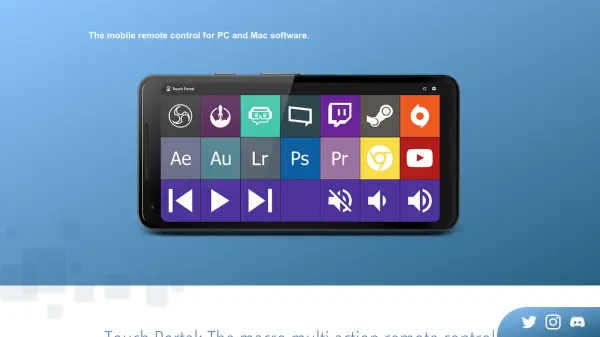
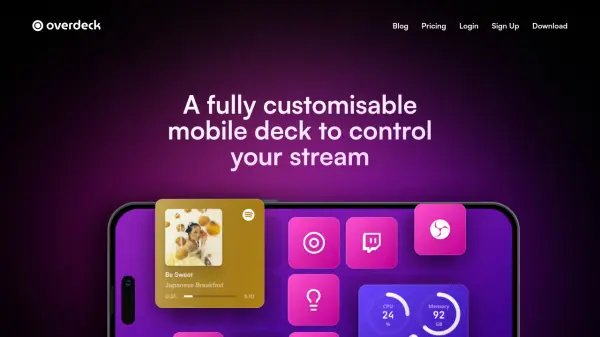
Overdeck is a versatile mobile application designed to create fully customizable digital decks for controlling streaming setups. It allows users to build personalized interfaces on their iOS or Android devices, enabling one-tap control over various streaming functions. The platform supports wireless connectivity via Wi-Fi, eliminating the need for cables or Bluetooth connections.
The tool integrates seamlessly with popular applications such as Twitch, OBS Studio, Twitter, Philips Hue, and more. Users can enhance their setup with widgets for monitoring Spotify playback, internet speed, computer performance, and timers. Overdeck provides extensive customization options, including personalized colors, styles, skins, and the ability to use custom images and GIFs.
Features
- Wireless Connection: Reliable Wi-Fi link between deck and computer without cables or Bluetooth
- Customizable Interface: Add colors, images, GIFs, and change skins to match aesthetic preferences
- App Integration: Works with Twitch, OBS Studio, Twitter, Philips Hue, and other favorite apps
- Widget Support: Boost setup with widgets for Spotify, internet speed, computer performance, and timers
- Device Compatibility: Use on iOS or Android devices with setup on Windows or MacOS
Use Cases
- Controlling live streams on platforms like Twitch with one-tap actions
- Managing OBS Studio scenes, cameras, filters, and transitions during streaming
- Automating social media posts or interactions while streaming
- Monitoring streaming setup performance with real-time widgets
- Creating personalized streaming control interfaces without additional hardware
FAQs
-
What devices are compatible with Overdeck?
Overdeck is available for Windows and MacOS setup, and it can be used on almost any iOS or Android device as the deck. -
How does Overdeck connect to my computer?
Overdeck uses a reliable wireless connection via Wi-Fi to link your deck and computer, with no cables or Bluetooth needed. -
Can I customize the appearance of my deck?
Yes, Overdeck allows full customization with personalized colors, styles, skins, and the ability to add your own images and GIFs. -
What apps does Overdeck integrate with?
Overdeck works with apps like Twitch, OBS Studio, Twitter, Philips Hue, and can control music, open websites, and folders on your computer. -
Is there a free version of Overdeck?
Yes, Overdeck offers a free plan with basic features, and a Premium plan for advanced customization and exclusive features.