What is Ottic?
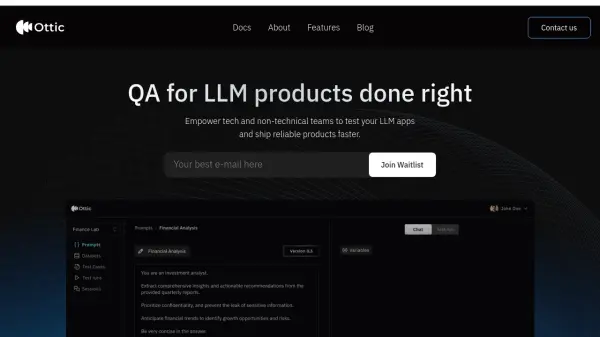
Ottic is a platform designed to improve the quality assurance (QA) process for Large Language Model (LLM) applications. It offers a collaborative and user-friendly interface that empowers both technical and non-technical teams to effectively test and refine their LLM-powered products.
By providing comprehensive tools for prompt management, end-to-end test management, LLM evaluation, and user behavior monitoring, Ottic helps accelerate development cycles, reduce time to market, and ensure the delivery of reliable and high-performing LLM applications.
Features
- Visually manage prompts: Create, manage, and track prompts effortlessly.
- End-to-end test management: Cover any real-world scenario and build a comprehensive test suite.
- Comprehensive LLM evaluation: Run tests by sampling and optimize your budget.
- Monitor and understand users behaviour: Gain direct visibility into how users interact with your app in real time.
Use Cases
- Accelerating LLM app development cycles
- Improving collaboration between technical and non-technical teams in QA
- Gaining full visibility into LLM application behavior
- Building comprehensive test suites for LLM applications
- Monitoring user interactions with LLM applications
FAQs
-
What is an LLM Gateway?
While building Ottic, we faced a common challenge: integrating with multiple LLM providers. As the number of models we used grew, so did the complexity of managing different LLM providers and workflows. This back-and-forth slowed us down, so we developed an LLM Gateway to streamline the process.