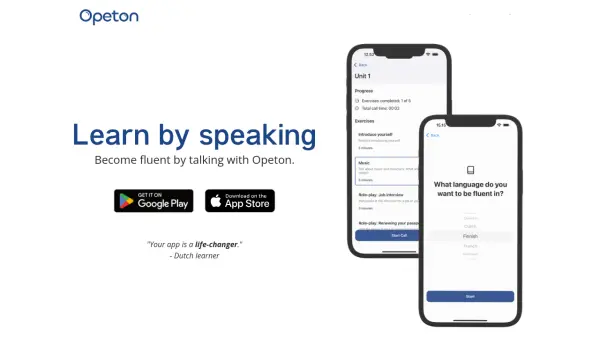
What is Opeton?
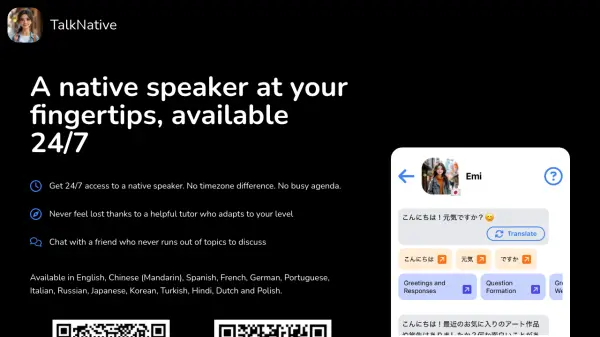
Opeton revolutionizes language learning by providing an innovative platform where users can engage in 2-30 minute conversations with an AI tutor. The app focuses on natural language acquisition through real-life conversations, similar to how children learn their native language, without the traditional emphasis on flashcards and grammar books.
The platform offers personalized learning experiences by analyzing conversation patterns and adjusting difficulty levels accordingly. Users can freely switch between their target language and English when needed, creating a comfortable learning environment where making mistakes is part of the process. This approach makes language practice both challenging and accessible, supporting learners from basic introduction level to advanced fluency.
Features
- Flexible Call Duration: Practice sessions ranging from 2-30 minutes
- Multilingual Support: Available in over 20 languages
- Adaptive Learning: Personalizes conversation difficulty based on user level
- Language Switching: Option to use English as backup when needed
- Dynamic Content: Every conversation is unique and tailored
- Progress Analysis: Tracks conversation performance to adjust future content
Use Cases
- Preparing for citizenship language exams
- Practicing daily conversational skills
- Improving speaking fluency
- Alternative to traditional language courses
- Supplementing formal language education
- Building confidence in speaking new languages
FAQs
-
What level of language proficiency do I need to start using Opeton?
You should at least know how to introduce yourself in the target language. The app is best suited for learners who have basic knowledge of the language they want to practice. -
How many languages does Opeton support?
Opeton supports over 20 different languages for conversation practice. -
Can I switch to English during the conversation if I get stuck?
Yes, you can switch to English as a backup language whenever you need help or don't understand something during the conversation.