What is OpenPipe?
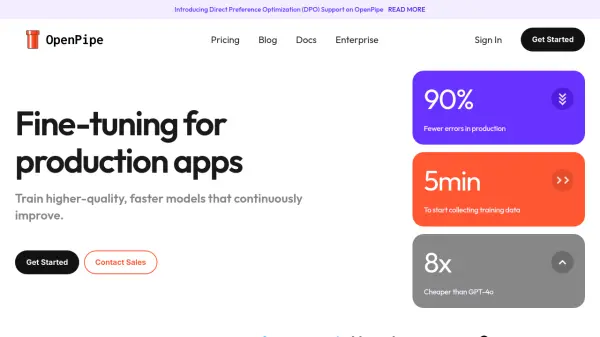
OpenPipe provides a comprehensive solution for training and deploying fine-tuned language models. The platform streamlines the entire workflow, from capturing data and training state-of-the-art models to automating deployment and evaluating performance.
With OpenPipe, users can easily manage datasets, models, and evaluations in a centralized location. The service focuses in continuous improvement, enabling businesses to minimize errors, improve the user experience and save time and money.
Features
- Data Capture: Automatically record LLM requests and responses.
- Model Training: Two-click training of state-of-the-art models.
- Automated Deployment: Managed endpoints that scale to millions of requests.
- Evaluate & Compare: Use LLM-as-judge evals to quickly gauge performance.
- Easy Integration: Simply update your SDK import statement and add an OpenPipe API key.
- Own Your Weights: Own your own weights when you fine-tune open-source models.
Use Cases
- Replacing expensive LLMs like GPT-4 with cost-effective, fine-tuned models.
- Processing large datasets for classification or other tasks.
- Developing custom voice bots with low latency.
- Creating and deploying task-specific models for improved accuracy.
FAQs
-
What compliance standards does OpenPipe adhere to?
OpenPipe is compliant with SOC 2 Type 2, HIPAA, and GDPR regulations.